


What Zenless Zone Zero Is and Where You Can Play It
Zenless Zone Zero is HoYoverse's fast-paced action RPG set in New Eridu, a sprawling urban-fantasy metropolis where humanity clings to survival amid dimensional anomalies called Hollows. Players take on the role of a Proxy, guiding a growing roster of zenless zone zero characters — from fan favorites like Anby and Zhu Yuan to newer additions like Seth ZZZ players have come to appreciate — through stylish, combo-driven combat encounters.
A Quick Look at Zenless Zone Zero
The game blends hack-and-slash action with narrative exploration across New Eridu's distinct districts. Each version update introduces fresh story chapters, agents, and gameplay systems. With Version 2.8 launching in early May 2026 and regular patches arriving roughly every six weeks, the title maintains a healthy content cadence that rewards both new and returning players. Whether you are pulling for the latest ZZZ Pulchra faction agents or clearing endgame challenges, there is always something on the horizon.
Why Platform Choice Matters More Than You Think
Most search results for where to play Zenless Zone Zero drop you on a single storefront page — the PlayStation Store, the App Store, or HoYoverse's own download portal. None of them show the full picture. Your ideal platform depends on one thing: how you actually want to experience the game. Frame rate priorities, portability needs, storage constraints, and controller preferences all factor in.
ZZZ is available on more platforms than most players realize. Choosing the right one comes down to your hardware, your playstyle, and how much flexibility you need between sessions.
Every Official Platform at a Glance
Here is the complete list of officially supported ways to play, consolidated in one place:
- PC via HoYoPlay launcher (HoYoverse's first-party client)
- PC via Steam (store page live, full launch imminent)
- PC via Epic Games Store
- PlayStation 5 and PlayStation 5 Pro
- PlayStation 4
- Xbox Series X|S
- Xbox Cloud Gaming (streaming via browser)
- iOS (iPhone and iPad)
- Android
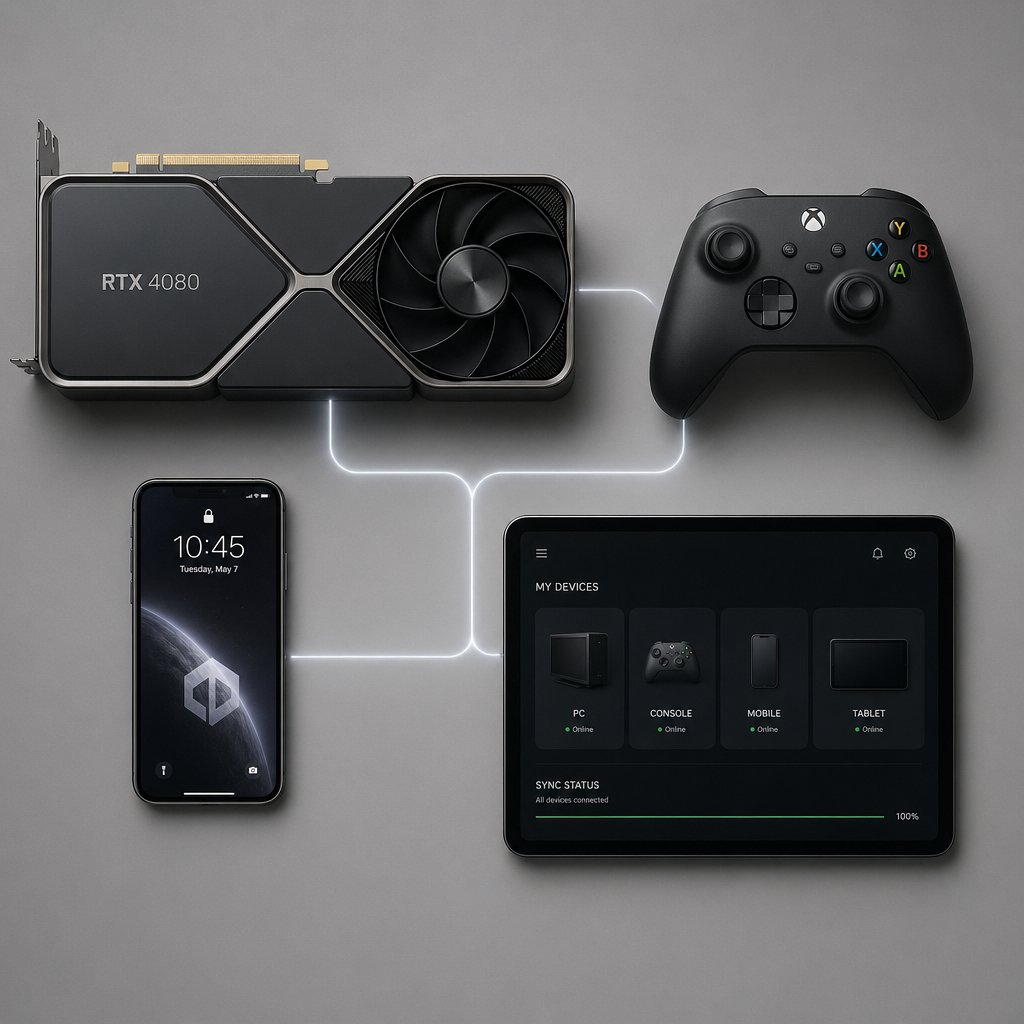
Cross-platform save support ties all of these together through a single HoYoverse account, meaning your roster of ZZZ characters — every agent, W-Engine, and progression milestone — travels with you regardless of device. The sections ahead break down each option so you can pick the one that fits your setup and start exploring zona zero on your own terms.
Every Way to Play ZZZ on PC
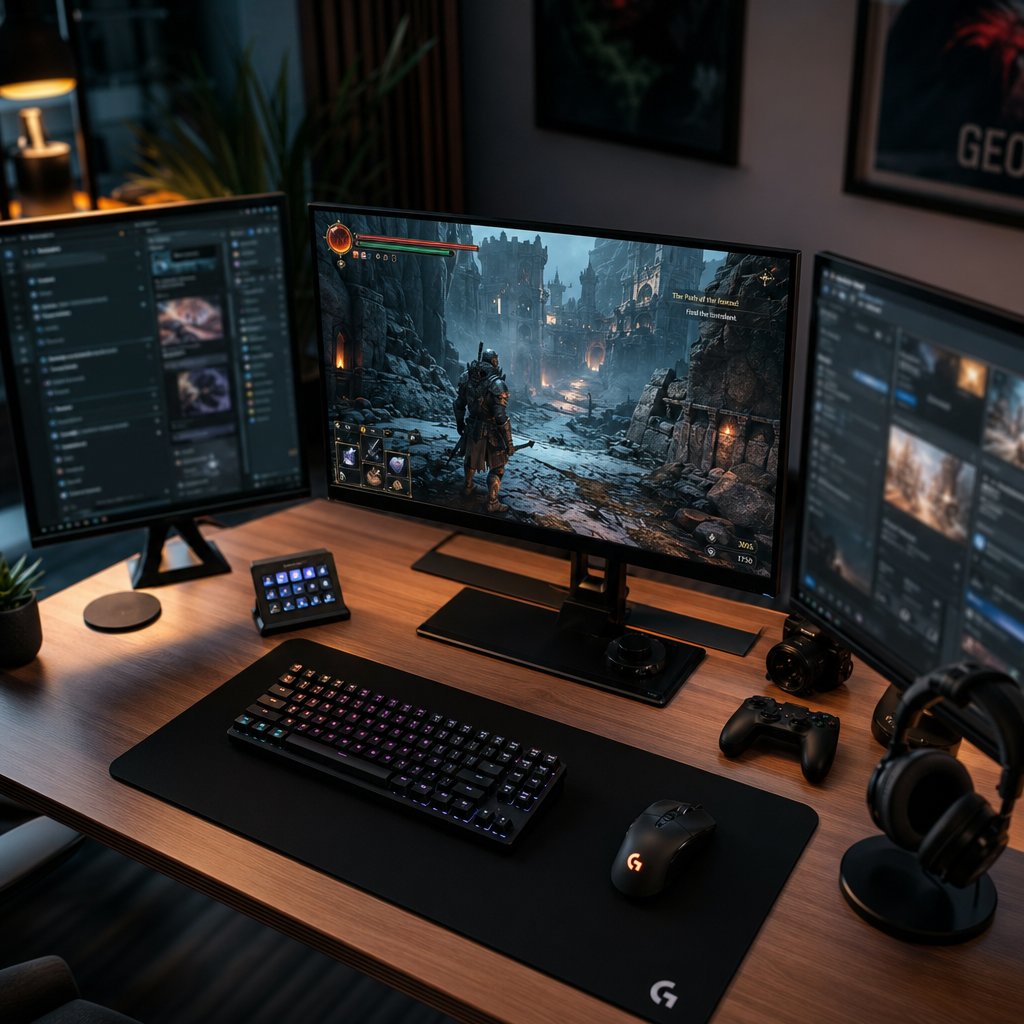
PC remains the most flexible way to experience ZZZ's combat, exploration, and story content. Three separate distribution channels deliver the same game client, but each wraps it in a different ecosystem with its own perks. Picking between them is less about gameplay differences and more about which surrounding features matter to you.
Steam and Epic Games Store Side by Side
Both Steam and the Epic Games Store provide the full Zenless Zone Zero experience with identical in-game content. The differences live outside the game window. Steam brings achievement tracking, community hubs, screenshot sharing, and the Steam Overlay for quick access to guides or discord banners your friends share in group chats. It also supports Steam Deck compatibility for players who want a portable PC option. Epic Games Store, on the other hand, sits inside an ecosystem known for periodic free-game giveaways and a cleaner storefront interface. Updates on both platforms roll out simultaneously, so neither has a timing advantage when a new patch drops — whether it introduces a character like Vivian ZZZ or a fresh story chapter featuring Nicole Demara.
Using the HoYoPlay Launcher Directly
HoYoPlay is HoYoverse's first-party launcher, and it cuts out the middleman entirely. No third-party storefront overhead, no extra overlay processes running in the background. The real draw here is unified game management: Genshin Impact, Honkai: Star Rail, and ZZZ all live under one roof. If you already play other HoYoverse titles, HoYoPlay keeps everything organized in a single application. Updates tend to pre-load slightly earlier through this launcher since there is no storefront certification step, though the difference is usually measured in minutes rather than hours.
PC System Requirements and Storage
PC offers the highest graphical ceiling for Zenless Zone Zero — unlocked frame rates, ultrawide monitor support, and full control over visual settings. That ceiling does come with hardware expectations. According to HoYoverse's official support page, the minimum specs call for Windows 10 64-bit, an Intel Core i5 (7th Gen) or AMD equivalent, 8 GB RAM, and an NVIDIA GeForce GTX 970 or similar GPU. Storage is the real consideration: the install requires 57 GB, and the unzip process needs an additional 58 GB of temporary space. Players chasing smooth 60fps at high settings will want hardware well above these minimums — think a GTX 1660 or better, with 16 GB RAM for comfortable headroom.
Regardless of which launcher you choose, the underlying game files are identical. Your HoYoverse account links seamlessly across all three, so switching storefronts later does not mean losing progress. Even a Gentle Criminal faction enthusiast deep into endgame content can migrate without friction. The table below lays out the practical differences at a glance:

All three paths lead to the same destination. The choice comes down to whether you value Steam's social layer, Epic's ecosystem perks, or HoYoPlay's streamlined simplicity — a zen-of-python-style "one obvious way to do it" philosophy applied to game launchers. With PC sorted, the next question is how ZZZ performs on console hardware where settings are fixed and optimization is handled for you.
Console Gaming on PlayStation 5 and PlayStation 4
Fixed settings, optimized performance targets, and zero driver updates to worry about — that is the console proposition. ZZZ on PlayStation leans into controller-native design, and the combat system built around dodge-counters, chain attacks, and zenless zone zero rupture triggers feels right at home on a gamepad. Characters like Lighter ZZZ and Ye Shunguang deliver satisfying combo strings that benefit from analog stick precision and responsive shoulder buttons.
PS5 Performance and Features
PlayStation 5 is the flagship console experience for Zenless Zone Zero. The SSD eliminates loading screens between New Eridu's districts, keeping you in the action rather than staring at transition cards. On PS5 Pro specifically, HoYoverse achieved native 4K resolution at 60 FPS simultaneously, with ray tracing enhancing reflections on mirrors, water surfaces, puddles, and metallic materials throughout the city.
The DualSense wireless controller adds a tactile layer that PC and mobile simply cannot replicate. HoYoverse tailored vibration feedback for different combat actions — Basic Attacks, Special Attacks, and Ultimate skills each carry distinct haptic signatures. Adaptive triggers provide resistance during charged abilities, making every hit feel physical. Combined with HDR and VRR support, the PS5 version delivers a polished, immersive package for players who prefer a living-room setup.
PS4 Availability and What to Expect
PS4 players can access Zenless Zone Zero, though the experience involves trade-offs compared to its next-gen sibling. Expect lower resolution output, longer load times between areas due to the mechanical hard drive, and a less stable frame rate during visually intense encounters. Hub areas with dense NPC populations and particle-heavy boss fights are where the older hardware shows its age most clearly.
HoYoverse continues to push optimization patches for PS4, so performance improves over time. Players on this platform should keep an eye on official patch notes — particularly around major version updates — for the latest stability improvements. If you are redeeming zenless zone zero codes for free Polychrome and materials, the process works identically on both PlayStation generations through the in-game settings menu.
PlayStation-Specific Account Considerations
Cross-save between PlayStation and other devices requires linking your PSN account to a HoYoverse ID. The first time you boot ZZZ on PlayStation, you will either hoyoverse log in with an existing ID or create a new one tied to your PSN. This is a one-to-one relationship: one PSN account links to exactly one HoYoverse ID, and vice versa. Unlike a simple epic books login where you just enter credentials, the PSN linking process also determines your server — your PSN account's region automatically assigns you to the America, Europe, or Asia server.
On the payment side, items purchased through the PlayStation Store (Monochromes, Inter-Knot Membership) display and function normally across all linked platforms. However, top-ups for PlayStation-created characters cannot be processed through mobile clients — only through PS5, PC, or the official HoYoverse website. This is a small but important detail for players who split time between console and phone. Whether you are building a team around Evelyn Chevalier or saving for the next featured banner, understanding where your currency lives prevents frustration down the line.
Console players also get a dedicated Friends From PlayStation Network list alongside the universal Game Friends list, letting you invite PSN contacts directly into your ZZZ social circle regardless of which platform they play on. With controller-native combat and a streamlined couch experience covered, the next consideration is how ZZZ handles on the devices already in your pocket.
Playing ZZZ on iOS and Android Devices
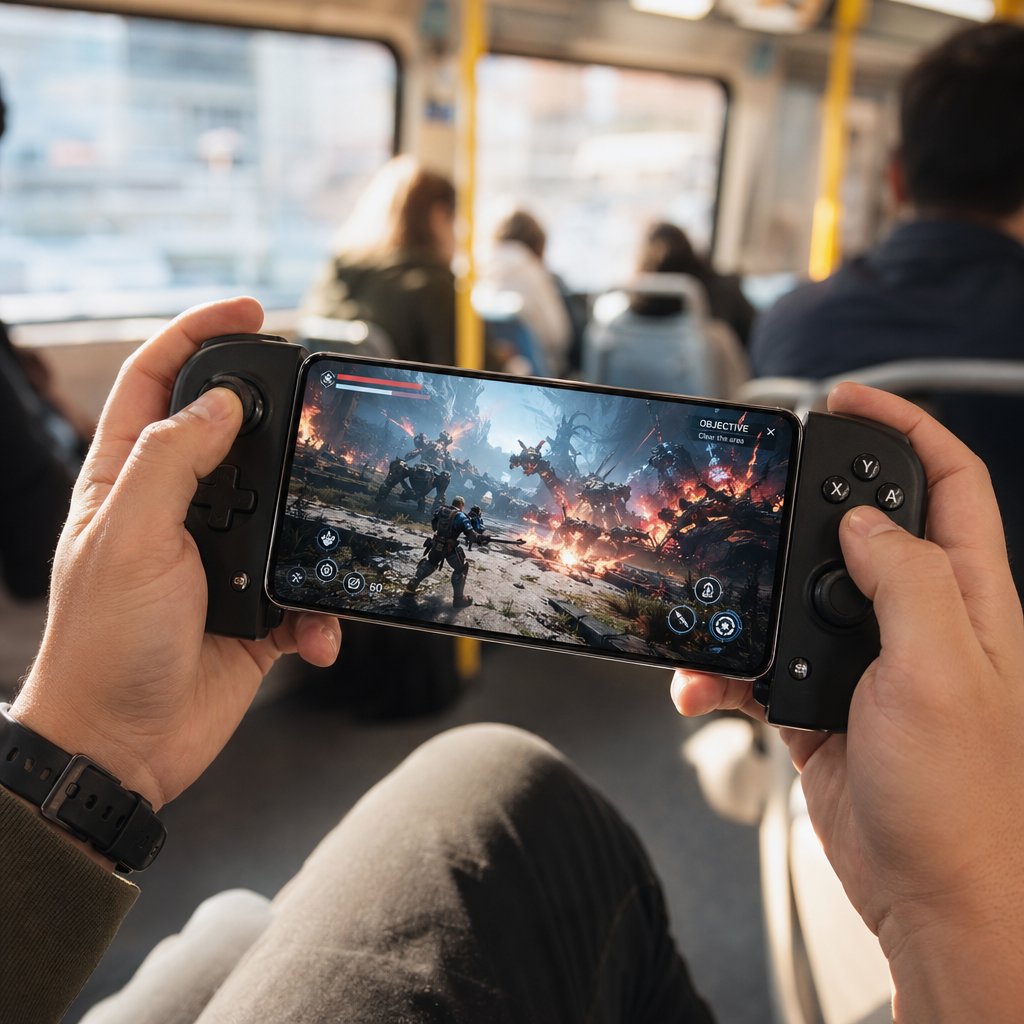
Your phone is already in your hand. That alone makes mobile the most accessible way to jump into Zenless Zone Zero — no dedicated hardware purchase, no desk required, no waiting for a console to boot. The trade-off is that ZZZ is a demanding title even by mobile standards, and not every device handles it gracefully. Knowing what your phone or tablet needs before you download saves you from a frustrating first impression.
Playing on iPhone and iPad
ZZZ is available through the App Store for both iPhone and iPad. The minimum barrier to entry is an iPhone XS or newer, or any iPad equipped with an A12 chip and at least 4 GB of RAM. You will also need iOS 14.0 or later installed. In practical terms, this means devices from 2018 onward are supported — but "supported" and "smooth" are different conversations. An iPhone XS can run the game, while an iPhone 15 Pro or iPad Pro with an M-series chip will run it well.
Storage is the real gatekeeper on iOS. The full install requires approximately 26 GB of available space, and that number grows with each major version update as new areas, agents, and voice packs get added. If your device is already tight on storage, clearing cached data or offloading unused apps before downloading is worth the effort.
Control-wise, touch input works surprisingly well for ZZZ's combat. The on-screen buttons map dodge, attack, and skill activation in a layout that feels intuitive after a few rounds. Still, players who want tighter input during endgame content — think zzz trigger-based dodge counters and chain attacks against Hollow bosses — can pair a Bluetooth controller like a DualSense or Xbox Wireless Controller for a console-like experience on a six-inch screen. Characters like Lycaon ZZZ with tight parry windows feel noticeably better with physical buttons under your thumbs.
Android Devices and APK Considerations
On Android, the official download path runs through the Google Play Store. HoYoverse lists the minimum requirements as a Qualcomm Snapdragon 855, Dimensity 1200, or Kirin 990 chipset paired with 8 GB of RAM and Android 11.0 or HarmonyOS 4.0. Storage needs sit around 20 GB — slightly less than iOS due to platform-specific compression differences.
The Android ecosystem's openness means unofficial APK files float around various third-party sites. Avoid them. Sideloaded APKs bypass Google Play Protect scanning, and modified packages can contain malware, inject ads, or compromise your HoYoverse account credentials. The official Google Play listing is the only source worth trusting. If your region restricts Play Store access, HoYoverse's own website provides a direct APK download that is verified and safe — stick to that as your sole alternative.
One Android-specific advantage: many flagship phones offer dedicated gaming modes (Samsung Game Booster, OnePlus Game Space, Xiaomi Game Turbo) that allocate extra resources to the active game, suppress notifications, and lock the refresh rate. Enabling these before launching ZZZ gives you a measurable performance bump without touching in-game settings.
Optimizing Mobile Performance
Mobile hardware runs hot under sustained load, and ZZZ's combat sequences push processors hard. If your device starts strong but degrades after ten minutes of play, thermal throttling is almost certainly the cause — the chipset scales back clock speeds to protect itself from overheating. A few adjustments go a long way toward maintaining stable frame rates across longer sessions:
- Set FPS to 30 on low-to-mid-range devices, or 45 on capable phones — jumping straight to 60 invites thermal issues unless you have a current-gen flagship
- Drop Image Quality to Low or Medium and set Rendering to Medium; these two settings have the largest impact on GPU load
- Turn off Shadows, Volumetrics, Bloom, Depth of Field, and Motion Blur — they look nice in screenshots but cost significant frame budget during combat
- Close all background apps before launching; even idle social media apps consume RAM that ZZZ could use for asset streaming
- Remove thick phone cases during play sessions to improve passive heat dissipation
- Avoid charging from a low battery while playing — the combined heat from charging and processing accelerates throttling
- Download large updates over Wi-Fi rather than cellular; patches can exceed several gigabytes and mobile data with high jitter introduces stutter even when local FPS is stable
Players who enjoy collecting agents like Pulchra ZZZ faction members or pulling for featured characters like ZZZ Alice will spend plenty of time in menus and dialogue — those moments are easy on hardware. The real stress test comes during combat encounters and open-world traversal. Tuning your settings for those peak-demand moments means the rest of the experience runs effortlessly.
A phone that handles ZZZ comfortably at medium settings delivers a genuinely good experience. Touch controls keep things accessible, Bluetooth gamepads add precision when you want it, and the portability factor means daily commissions and energy spending fit into lunch breaks or commutes. The catch is that you are still bound by local hardware. For players whose devices fall short of minimum specs — or anyone who wants a ps5 wallpaper-quality visual experience without owning the console — there is another path that removes hardware from the equation entirely.
Cloud Gaming Options and Mac Workarounds
Cloud gaming flips the hardware equation on its head. Instead of your local device doing the heavy lifting, a remote server runs ZZZ and streams the video feed to your screen. The result: you can play on machines that would never handle the game natively — aging laptops, Chromebooks, or that MacBook sitting on your desk.
Xbox Cloud Gaming for ZZZ
With Version 2.0's launch in June 2025, Zenless Zone Zero became available through Xbox Cloud Gaming. The setup is straightforward: an Xbox Game Pass Ultimate subscription, a compatible browser (Edge or Chrome work best), and a stable internet connection. No download, no install, no storage sacrifice. The game runs on Microsoft's servers and streams directly to your device.
Controller support is expected rather than optional here. A Bluetooth or USB-connected Xbox Wireless Controller, DualSense, or any HID-compatible gamepad works. Touch controls are available on mobile browsers but feel imprecise for ZZZ's dodge-heavy combat — pulling off tight parry windows with characters like Harumasa demands physical buttons.
For a smooth streaming experience, Microsoft recommends at least 20 Mbps download speed with low latency to their nearest data center. Wired Ethernet or a 5 GHz Wi-Fi connection keeps input delay manageable. Players on congested networks or connections with high jitter will notice sluggish dodge responses and delayed hit registration — frustrating during endgame content where frame-perfect timing matters. That said, for daily tasks like spending battery, pulling on zzz banners, or running story missions, the slight latency overhead rarely disrupts the experience.
Can You Play Zenless Zone Zero on Mac
There is no native macOS client for Zenless Zone Zero. HoYoverse has not announced plans for one either. But Mac users are not locked out — cloud gaming bridges the gap entirely.
NVIDIA GeForce NOW officially supports ZZZ and runs on Mac through both its dedicated client and the Chrome browser. The steps are simple: sign up for a GeForce NOW membership, search for Zenless Zone Zero in the app or web interface, and click Play. The game launches on NVIDIA's servers, and your Mac just handles the video stream. Progress syncs normally across all platforms, all four servers (Asia, America, Europe, TW/HK/MO) are accessible, and in-game purchases work identically to other platforms.
GeForce NOW supports MacBooks and iMacs regardless of whether they run Intel or Apple Silicon chips — since the local hardware is only decoding a video stream, even an older MacBook Air handles it fine. Players who want to zzz code redeem for free Polychrome can do so through the in-game settings menu just like any other platform. Your account, your agents — whether you are building teams around Lucy ZZZ or saving for Yixuan ZZZ — everything carries over seamlessly.
Xbox Cloud Gaming also works on Mac through Edge or Chrome, giving macOS users two independent cloud paths to choose from depending on which subscription they already hold.
Cloud vs Native Install Trade-Offs
Cloud gaming is not a universal upgrade — it is a trade-off. You gain platform flexibility and eliminate storage concerns, but you hand control of visual consistency and input responsiveness to your internet connection. The comparison below lays out where each approach wins and where it falls short:

For players who prioritize visual fidelity — the kind who set king von wallpapers as their desktop background because aesthetics matter — a native install on PC or PS5 will always look sharper. Compression artifacts during fast-paced combat sequences are cloud gaming's most visible weakness. But for someone without a gaming PC or console, cloud streaming transforms a browser tab into a fully functional ZZZ client. That accessibility is hard to argue against.
The honest recommendation: use cloud gaming as your entry point or your portable backup, not necessarily your primary platform. If you discover you are spending hours daily chasing endgame clears or farming materials for the next featured agent, investing in local hardware pays dividends in responsiveness and visual clarity. But knowing exactly which platform delivers what — and how they stack up side by side — requires a broader comparison across every option simultaneously.
Platform-by-Platform Feature Comparison
Individual platform breakdowns tell part of the story. Seeing every option lined up against the same criteria tells the rest. Whether you are building teams around Yanagi ZZZ, pulling for Hugo ZZZ, or grinding endgame content with Lucia ZZZ, the platform you choose shapes how that experience looks, feels, and performs moment to moment.
Resolution, Frame Rate, and Visual Quality
PC sits at the top of the visual hierarchy. With an unlocked frame rate, support for ultrawide aspect ratios, and full control over individual graphics settings — from mirror reflections to volumetric fog — it scales from modest 1080p builds all the way to 4K at 168 FPS on high-end hardware. PS5 delivers native 4K at a locked 60 FPS with ray tracing enabled, making it the strongest fixed-hardware option. PS4 targets 1080p with a 30 FPS cap and occasional dips during particle-heavy encounters. Mobile devices range from 720p to 1080p depending on chipset, with frame rate options typically capped at 30, 45, or 60. Cloud gaming streams at up to 1080p or 4K depending on your service tier, though compression artifacts become visible during fast combat sequences — something players chasing Dialyn ZZZ or Alice ZZZ through flashy chain attacks will notice more than those running story dialogue.
Storage, Controls, and Unique Platform Features
Storage requirements vary dramatically. PC demands the most at nearly 67 GB, while iOS uses a streaming-download approach that keeps the initial footprint around 3.8 GB before expanding as you play. Control options split along expected lines: PC supports keyboard-mouse and gamepad simultaneously, consoles are gamepad-native with DualSense haptics on PS5, mobile offers touch with optional Bluetooth controller pairing, and cloud gaming requires a gamepad for any serious combat. Platform-exclusive features round out the picture — Steam achievements and Steam Deck compatibility, PS5 adaptive triggers, and Xbox Cloud Gaming's zero-install convenience each serve different player priorities.
Players waiting for the zzz next banner often spend downtime theorycrafting team compositions with agents like Piper ZZZ or Corin ZZZ. The platform you play on does not change what you pull — but it changes how those characters feel in your hands. The full comparison below puts every metric side by side:

PC and PS5 lead in raw performance and visual fidelity. Mobile wins on accessibility and portability. Cloud gaming removes hardware barriers entirely. The best platform is the one that matches how and where you actually play.
Numbers on a chart only go so far. The next step is getting the game installed and running — a process that differs just enough between platforms to warrant a clear walkthrough for each one.
How to Download and Install ZZZ on Any Platform
Comparison tables help you decide, but at some point you need to actually get the game on your device. The installation process differs just enough between platforms to trip up first-time players — especially when account linking and server selection enter the picture. Below is a complete walkthrough for every official path, from PC launchers to mobile storefronts to console downloads.
Installing on PC Through Any Launcher
All three PC distribution channels deliver the same game client. The download flow varies slightly depending on which storefront you prefer, but the end result is identical. Here is the most common path — installing through Steam — broken into numbered steps:
- Open the Steam client and search for "Zenless Zone Zero" in the store
- Click the game's store page and select "Install" (the game is free-to-play, so no purchase is required)
- Choose your installation directory — an SSD is strongly recommended for faster load times and smoother asset streaming
- Wait for the download to complete (expect roughly 57 GB plus temporary decompression space)
- Click "Play" to launch the game, then sign in with your HoYoverse account or create one at the login screen
For the Epic Games Store, the process mirrors Steam closely. Search for ZZZ in the Epic store, claim the free listing, choose your install location, and launch once the download finishes. Epic does not require a separate launcher on top of its own client — the game boots directly from the Epic library.
HoYoPlay takes a slightly different route. You download the HoYoPlay launcher from HoYoverse's official site, install it, then navigate to the games overview page by clicking the icon in the bottom left corner. Select the Zenless Zone Zero card, follow the on-screen prompts to choose an installation path, and let the download run. If you already have HoYoPlay installed for Genshin Impact or Honkai: Star Rail, ZZZ appears as another card in the same interface — no additional launcher download needed. Think of it like a zen studio download experience: one hub, multiple titles, minimal friction.
Regardless of which PC path you take, the game files are interchangeable. Switching from one launcher to another later does not require a fresh download if you point the new client to your existing install folder.
Setting Up on PlayStation and Mobile
On PlayStation 5 or PS4, open the PlayStation Store from your console's home screen and search for Zenless Zone Zero. The listing is free to download. Select it, confirm the install, and the console handles the rest — approximately 55 GB on PS5. Make sure your console has enough free storage before starting, as PlayStation will not begin the download if space is insufficient. Once installed, launch the game and either log in with an existing HoYoverse account or link a new one to your PSN profile.
Mobile installation is even more straightforward. On iOS, open the App Store and search for Zenless Zone Zero, or follow the direct link from HoYoverse's official site. Tap "Get" and authenticate with Face ID, Touch ID, or your Apple ID password. The initial download is relatively small thanks to a play-as-you-download system — the game becomes launchable before all assets finish transferring, though you will hit loading pauses until the full package arrives. Ensure you have at least 26 GB of available space for the complete install.
Android players head to the Google Play Store and follow the same search-and-install pattern. The full package needs around 20 GB of free storage. If Google Play is unavailable in your region, HoYoverse provides a verified APK directly on their official website — this is the only safe alternative to the Play Store. Avoid third-party APK repositories regardless of how legitimate they appear. Characters like Komano Manato and Yidhari ZZZ are worth pulling for, but not worth compromising your device security over a sketchy download source.
First Launch and Account Setup
Every platform funnels into the same critical step: creating or signing into a HoYoverse account. This account is the backbone of cross-platform play. Without it, your progress stays locked to a single device.
During your first launch, the game presents a login screen with multiple options — email registration, third-party sign-in through Google, Apple, Facebook, or Twitter, and platform-specific logins for PSN or Xbox. The fastest approach for long-term flexibility is creating a dedicated HoYoverse account with an email and password. This gives you direct credentials that work on every platform without depending on any single social login remaining active.
After authentication, you will choose a server. ZZZ offers four: America, Europe, Asia, and TW/HK/MO. Your server determines which player pool you interact with for co-op content and friend lists. It does not affect single-player story progression or banner availability. Pick the server closest to your physical location for the lowest latency, and stick with it — cross-save syncs your progress across platforms, but each server maintains separate save data. Starting on America and later wanting to switch to Europe means beginning from scratch on that server.
Link your account to multiple platforms as early as possible. Navigate to Settings, then Account, then User Center within the game. From there, bind your email, set a password, and connect any platform-specific accounts (PSN, Xbox, Google, Apple) you might use in the future. Doing this on day one means you can seamlessly pick up your session on a phone during a commute or on a friend's PC without any setup hassle later. Even agents you pull early — whether from a featured banner discord communities are buzzing about or a standard pool — travel with you everywhere once linking is complete.
Region availability is broad. ZZZ launched globally and remains accessible in most countries. Players in regions with restricted access should check HoYoverse's official announcements for the latest availability updates. If you can reach the storefront page on your platform of choice, you can play. For anyone who has been watching komputer cartoon-style trailers and ZZZ promotional content online, the barrier between spectating and playing is just a download and a few minutes of account setup away.
With the game installed and your account configured, the remaining question is not technical — it is personal. Which platform fits the way you actually play, and how do you get the most out of your account once you are in?
Which Platform Fits Your Playstyle
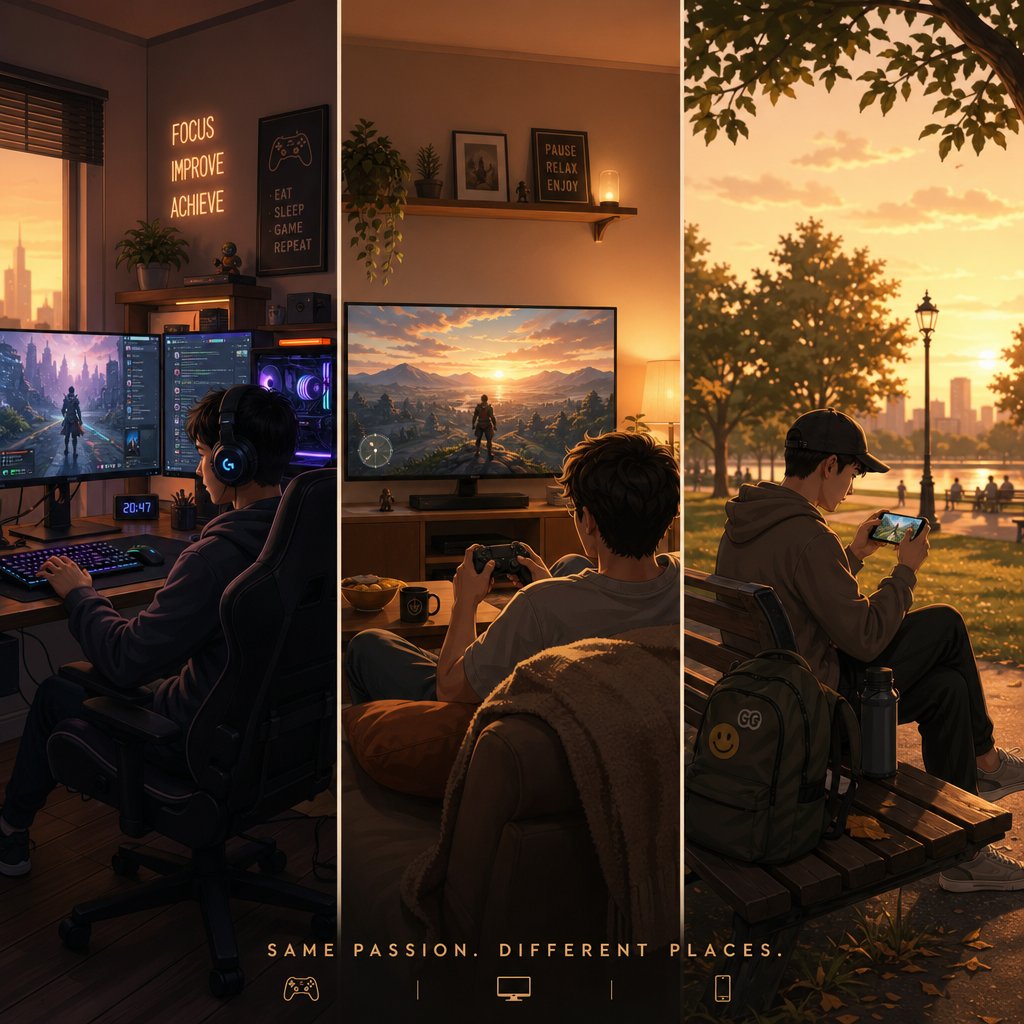
Specs, storage numbers, and feature tables give you the facts. But the real decision comes down to something simpler: how do you play? A player grinding Deadly Assault leaderboards has different needs than someone logging in for ten minutes on a train. Matching your platform to your habits — not to whichever storefront page you happened to land on — is what keeps the experience enjoyable long-term.
Best Platform for Competitive and Endgame Players
If frame rate and input precision define your sessions, PC or PS5 should be your home base. Endgame modes like Deadly Assault and Hollow Zero demand split-second dodge counters, tight swap windows, and consistent visual clarity during particle-heavy encounters. On PC, an unlocked frame rate and keyboard-mouse precision let you react to attack telegraphs the instant they appear — critical when you are pushing high scores with agents like Billy Kid ZZZ or chaining Harumasa ZZZ into burst rotations. PS5 offers a locked 60 FPS with DualSense haptics that make parry timing feel intuitive, plus near-instant load times that keep retry loops painless.
Community discussions on r/zzz_official consistently point to PC and PS5 as the preferred platforms for competitive clears, and the reasoning is straightforward: stable performance removes variables. When the only thing between you and a clean run is your own execution, you want hardware that stays out of the way.
Best Platform for Casual and On-the-Go Players
Not every session needs to be a high-stakes endgame push. If your typical play window is fifteen minutes of daily commissions, spending battery, and catching up on story dialogue, mobile or cloud gaming fits that rhythm perfectly. Touch controls handle menu navigation, dialogue choices, and low-intensity combat without issue. Cloud gaming through Xbox Game Pass Ultimate or GeForce NOW extends that flexibility to any device with a browser — including laptops and tablets that cannot run ZZZ natively.
Seasonal events like the Krampus Festival and limited-time story episodes are designed to be completable in short bursts, making them ideal for mobile sessions. You do not need 4K ray tracing to scratch off a lottery ticket at the video store or grab coffee with Gentle Benjamin at Random Play.
Playing Across Multiple Platforms
The strongest approach is not picking one platform — it is using several. ZZZ supports full cross-save through HoYoverse account linking across PC, PS5, PS4, Xbox, iOS, and Android. Start a Hollow Zero run on your desktop, finish daily commissions on your phone during lunch, and tackle weekend boss fights from the couch on PS5. Your agents, progression, and inventory sync automatically as long as you are logged into the same HoYoverse ID on the same server.
One wrinkle to watch: in-game currency purchases can be platform-dependent. Monochrome bought through the PlayStation Store, for example, may only display when playing on PlayStation or PC — not on mobile clients. The same applies in reverse for purchases made through the App Store or Google Play. This creates friction for players who split time across multiple devices and want their paid currency accessible everywhere.
A practical workaround is using a platform-independent top-up service. VeloxGame's Zenless Zone Zero Monochrome Top-Up processes purchases outside any single storefront, so your Monochrome and Inter-Knot Membership are tied to your HoYoverse account rather than to the device you happened to buy them on. For multi-platform players, this removes the guesswork about where your currency lives.
Here is a quick-reference guide matching player profiles to recommended platforms:
- Performance-first players (endgame grinders, leaderboard chasers) — PC or PS5 for frame rate stability and precise input
- Portability-first players (commuters, short-session players) — iOS or Android with optional Bluetooth controller
- Hardware-limited players (no gaming PC or console) — Xbox Cloud Gaming or GeForce NOW via browser
- Multi-device players (home desktop + mobile on the go) — PC as primary, mobile as secondary, with a platform-neutral top-up method for currency flexibility
- Couch gamers (controller-native, living-room setup) — PS5 for DualSense integration and optimized visuals
- Mac users — GeForce NOW or Xbox Cloud Gaming as the only viable paths
Platform choice shapes your daily experience, but it does not limit your long-term account growth. Your roster, your progress, and your investment travel with you. The final piece is making sure that investment — whether it is time or money — goes as far as possible once you are actually playing.
Getting Started and Powering Up Your Account
You have picked your platform, installed the game, and linked your HoYoverse account. The next few hours in New Eridu will throw a lot of systems at you — currencies, banners, daily tasks, redemption codes — and knowing which ones matter early saves you from wasting resources you cannot get back. Think of this as the bridge between choosing where to play and actually making progress worth keeping.
Redeeming Codes and Claiming Free Rewards
Free Polychrome is sitting on the table. HoYoverse regularly drops redemption codes during livestreams, social media campaigns, and version update announcements. Each code grants a small bundle of rewards — typically Polychrome, Dennies, Investigator Logs, or W-Engine materials — and they expire quickly, sometimes within days. The zzz code redemption process is the same regardless of platform: open the in-game menu, navigate to Settings, select Redemption Code, and paste the code. Rewards arrive in your mailbox within seconds, and you have 30 days to claim them before they vanish.
Staying on top of active codes means following HoYoverse's official channels. Their official website, X (Twitter) account, and YouTube channel are the primary sources. Community hubs like Reddit and Discord tend to aggregate codes within minutes of release, making them reliable secondary sources. As a reference point, IGN's ZZZ codes page maintains an updated list of active and expired codes that is worth bookmarking. Even a handful of codes per patch adds up — 300 Polychrome here, 50 there — and over the course of a version cycle, that is nearly enough for an extra multi-pull on a featured zzz banner.
Understanding Banners and Progression Currency
ZZZ's gacha system revolves around two core currencies: Polychrome and Monochrome. Polychrome is the free-to-play currency earned through gameplay — story progression, daily errands, weekly activities, endgame modes like Shiyu Defense and Deadly Assault, events, achievements, and those redemption codes mentioned above. Every 160 Polychrome converts into one pull on a Signal Search banner.
Monochrome is the paid counterpart, purchased through real-money top-ups. It converts to Polychrome at a clean 1:1 ratio, and the conversion is one-way — once Monochrome becomes Polychrome, it cannot be reversed. Both currencies funnel into the same destination: Master Tapes for the standard banner and Encrypted Master Tapes for limited character and W-Engine banners.
The banner system itself follows a pity structure familiar to anyone who has played other HoYoverse titles. Limited banners guarantee an S-Rank agent within 90 pulls, with a 50/50 chance of it being the featured character. Losing that coin flip means your next S-Rank on the same banner type is guaranteed to be the featured agent. Planning around this system is how free-to-play and low-spending players secure the characters they want — whether that is zzz Lucia for an Ice team, S Anby ZZZ for a stun-focused squad, or Yuzuha ZZZ for anomaly compositions.
How much can you earn without spending? Community tracking across multiple patches shows an average of roughly 129 pulls per version cycle when completing all available content — events, endgame rotations, dailies, weeklies, and story chapters. That is enough to hit pity at least once per patch, sometimes more during anniversary or expansion updates that are historically more generous. Players who log in consistently and clear their daily errands build a steady Polychrome income that compounds over time, similar to how a seed ZZZ players plant early grows into a reliable resource pool by the time a must-pull character arrives.
Investing in Your Account the Smart Way
Spending real money in ZZZ is entirely optional, but if you decide to invest, some purchases stretch further than others. The Inter-Knot Membership is the standout value option at $4.99 per month. It delivers 300 Monochrome upfront plus 90 Polychrome daily for 30 days, totaling 3,000 gacha currency — roughly 18.75 pulls for less than five dollars. That works out to about $0.27 per pull, which is dramatically cheaper than any other spending path in the game. The only catch is that you need to log in every day to collect, making it a natural fit for players who already have a daily routine on their chosen platform.
Beyond the monthly pass, the New Eridu City Battle Pass ($9.99) offers Encrypted Master Tapes and Polychrome alongside upgrade materials, though the per-pull value drops compared to the membership. Direct Monochrome purchases through the in-game market come with a first-time double bonus for each price tier, resetting during anniversary events. After the bonus is spent, the cost per pull roughly doubles — so timing larger purchases around resets matters.
For players who split their time across PC, console, and mobile, currency purchased through one storefront does not always appear on another. This is where platform-neutral purchasing becomes practical. VeloxGame's Zenless Zone Zero Monochrome Top-Up ties purchases directly to your HoYoverse account rather than to a specific device's storefront. Whether you are playing on Steam at your desk or on your phone during a break, the Monochrome shows up in your account without platform restrictions. For multi-device players — especially those using the cross-save workflow outlined earlier — this removes the friction of tracking which currency lives where.
Regardless of how much or how little you spend, the fundamentals stay the same. Clear your dailies. Do not skip weekly activities. Participate in every limited-time event. Redeem every code you find. These habits compound quietly, and by the time a character you have been waiting for — maybe someone teased in a Ye Shungaung winter campaign or a new agent featured on a zenlist community tracker — finally hits the banner, you will have the pulls ready.
The best platform is the one that fits your life. ZZZ is the same great game everywhere, and your account travels with you. Pick the device that matches your routine, link your accounts early, and let your progress build from there.
Frequently Asked Questions About Playing Zenless Zone Zero
1. Can you play Zenless Zone Zero on Mac?
There is no native macOS client for Zenless Zone Zero. However, Mac users can play through cloud gaming services like NVIDIA GeForce NOW or Xbox Cloud Gaming via a browser. Both options stream the game from remote servers, so your Mac only needs to decode a video feed — even older MacBook Air models handle it without issue. Progress syncs normally across all platforms through your HoYoverse account.
2. Is Zenless Zone Zero cross-platform?
Yes, ZZZ supports full cross-save across PC, PlayStation 5, PlayStation 4, Xbox, iOS, and Android through HoYoverse account linking. Your agents, progression, and inventory sync automatically when you log into the same account on the same server. However, in-game currency purchased through one storefront may not always appear on another platform, so multi-device players should consider platform-neutral top-up options like VELOX's Zenless Zone Zero Monochrome Top-Up (https://www.veloxgame.com/zenless-zone-zero/) to avoid storefront lock-in.
3. What are the minimum requirements to play ZZZ on mobile?
On iOS, you need an iPhone XS or newer (or an iPad with an A12 chip) running iOS 14.0 or later, with at least 26 GB of free storage. On Android, the minimum specs are a Snapdragon 855, Dimensity 1200, or Kirin 990 chipset with 8 GB of RAM, Android 11.0 or HarmonyOS 4.0, and roughly 20 GB of storage. Devices meeting these minimums can run the game, though current-gen flagships deliver a noticeably smoother experience.
4. Which platform is best for Zenless Zone Zero?
It depends on your playstyle. PC and PS5 offer the best performance for endgame content with high frame rates and precise input. Mobile suits casual players who value portability and short sessions. Cloud gaming through Xbox Game Pass Ultimate or GeForce NOW works for players without dedicated gaming hardware. Most committed players use a combination — PC or console at home and mobile on the go — leveraging cross-save to keep progress synced.
5. How much storage does Zenless Zone Zero need?
Storage varies significantly by platform. PC requires approximately 67 GB (plus temporary decompression space during installation). PS5 and PS4 need around 49 GB. Android uses about 20 GB, while iOS starts with a 3.8 GB initial download that expands as you play up to roughly 26 GB. Cloud gaming through Xbox Cloud Gaming or GeForce NOW requires zero local storage since the game runs entirely on remote servers.





