


Step 1: Learn the Modes and Your Win Condition
Learning how to play Delta Force really comes down to one early decision: which experience do you want first? The game splits into two core paths, large-scale team Warfare and high-stakes extraction Operations, and each one defines "winning" differently. Getting clear on that distinction before you deploy saves you from wandering into a match with zero direction.
What Delta Force Is and How Matches Are Won
Delta Force is a free-to-play military FPS that packages multiple delta force gamemodes under one roof. Warfare covers objective-driven team play like Attack and Defend, where attackers push through sectors while defenders hold the line, and King of the Hill, where two teams race to 3,000 resource points by capturing flags. Operations, on the other hand, drops squads of up to three into open maps filled with rival players and AI patrols. The goal there is to loot, complete mission tasks, and extract alive. Lose before you get out, and your gear goes with whoever took you down.
Which Delta Force Game Mode Beginners Should Start With
If you want a forgiving first session, Warfare modes like King of the Hill or Blitz let you respawn and learn the gunplay without risking any inventory. Operations rewards patience and map knowledge, so jumping straight in can feel punishing. A solid delta force beginners guide approach is simple: play a few Warfare rounds to build comfort with movement, sightlines, and your weapon, then transition into Operations once dying feels less confusing and more like a lesson.
How to Measure Success in Your First Match
High kills are not the benchmark. A good first match means you understood the objective, stayed near teammates, and contributed something, whether that was holding a flag, reviving a squadmate, or extracting with even a small haul of loot. The table below breaks down what to expect across the main delta force game modes so you can set realistic goals.

Knowing your win condition is only half the equation. The other half is making sure your settings, controls, and menus are not working against you the moment you load in.
Step 2: Set Up Controls, Graphics, and Menus
A bad settings screen can ruin a match faster than a bad aim day. Delta Force is available on PC, console, and mobile, and each platform ships with defaults that are not always beginner-friendly. Spending five minutes in the menus before your first deployment pays off immediately.
How to Set Up Delta Force Before Your First Match
Whether you downloaded the game through Epic Games, Steam, or a console storefront, the first-launch flow is similar: confirm your account, check for any pending updates, and look for a tutorial or training prompt. Delta Force also supports cross-progression between PC and mobile, so if you plan to play across devices, bind your account early to avoid losing progress. Players exploring delta force cloud gaming options or the mobile version should verify their connection stability before jumping into a live match.
Best Beginner Menu Checks and Control Tweaks
Delta Force packs a deep settings menu. Rather than tweaking everything at once, run through this checklist in order:
- Set your field of view (FOV) between 100 and 120 for better peripheral awareness, as GameSpot's settings guide recommends.
- Turn V-Sync off and set Performance Mode to Frame Rate. Smooth frames matter more than pretty shadows in a competitive shooter.
- Lower your master volume to around 60 and drop music volume significantly so footsteps and gunfire stay clear.
- On controller, reduce your right stick center deadzone to about 10 and customize hip fire and ADS sensitivity separately. Keep aim assist on.
- On PS5, disable Adaptive Triggers for more precise shooting.
- Enable "Show Detailed Item Pickup Tips" under the Operations screen settings so loot information is readable at a glance.
- Turn on subtitles and set your preferred language under the Language tab.
- Enable "Show Performance Parameters" to monitor your frame rate in real time.
What to Review on PC, Mobile, or Cloud Access
Delta Force mobile game modes mirror the core PC experience, but touch controls and smaller screens demand extra attention to HUD scaling and auto-sprint preferences. On PC, rebind any keys that feel awkward before muscle memory locks in. Console players coming from other shooters may want to experiment with the controller layout options to swap crouch and melee for faster prone transitions. Regardless of platform, check the G.T.I Security page for anti-cheat guidance and the official support hub for any known issues with your setup.
Clean settings remove one layer of confusion. The next layer is language: the terms, systems, and shorthand the game throws at you the moment a match begins.
Step 3: Learn the Terms That Drive Every Match
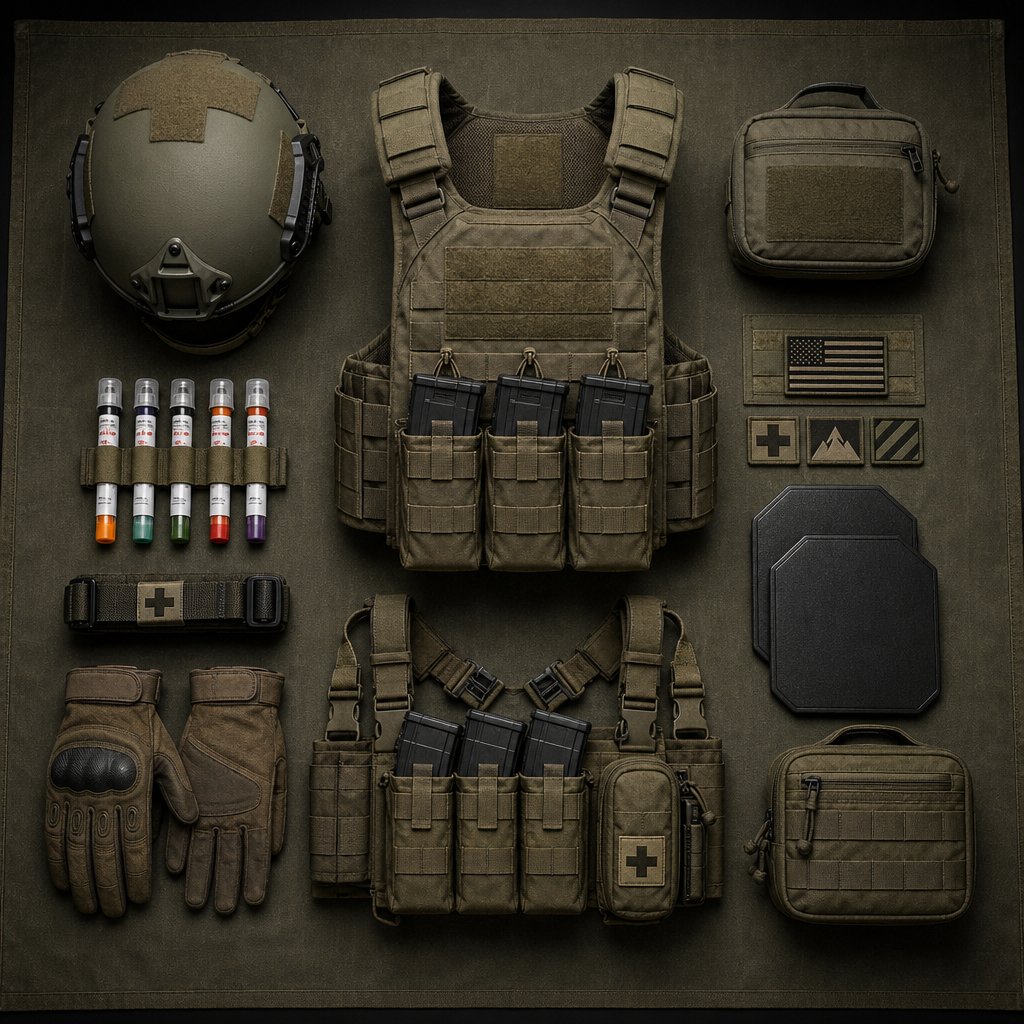
Delta Force throws a lot of system language at you before you ever fire a shot. Menus reference loadouts, chest rigs, Safe Boxes, and extraction points without much hand-holding. If you do not know what these terms mean in practice, you will waste time staring at screens instead of playing. Here is a working glossary tied directly to the decisions you will make in every match.
Delta Force Terms Every Beginner Should Know
- Extraction — The act of reaching a designated exit point alive. In the delta force operations mode, this is how you keep everything you looted. Fail to extract, and your gear is gone.
- Loadout — Your pre-match gear setup: primary weapon, secondary, sidearm, helmet, body armor, chest rig, and backpack. You cannot deploy without the basics equipped, so treat the loadout screen as a required step, not optional browsing.
- Chest Rig — Where consumables like ammo and meds sit for quick access during a fight. Anything buried in your backpack takes longer to reach.
- Safe Box — A small protected pouch that saves its contents even if you die. Start stashing high-value, low-size items here early in a run.
- Ammo Types — Delta Force does not simplify ammunition into generic categories. A 9mm SMG and a 5.45mm rifle need separate bullet stacks, so matching your weapons to one ammo type reduces clutter.
- Operators (Operatives) — Playable characters with unique abilities. Some favor stealth and recon, others lean into assault or support roles. Your Operative choice shapes how you move through delta force game operations.
- Objectives — Mission tasks scattered across the map. Completing them earns rewards and gives your run purpose beyond random looting.
- Squad Play — Operations defaults to three-player squads. Communication and role awareness matter more than individual aim.
How Extraction Loadouts and Objectives Work
Every item you bring into a hazard operation Delta Force match costs credits. That spending decision is the start of the delta force economy loop: invest in gear, survive long enough to loot, extract with more value than you spent. Objectives scattered across the map offer bonus payouts, but they also attract other players. Choosing between a quiet loot path and an objective push is one of the first real strategic calls you will face.
Why Armor, Healing, and Economy Change Your Decisions
Unlike Warfare modes, delta force hazard operations do not give you regenerating health. Damage sticks until you use an Injector or medical kit, and healing takes real time while leaving you exposed. Armor absorbs incoming hits but degrades, so the tier you bring directly affects how many mistakes you can survive. Every credit spent on better armor or extra meds is a credit you are not spending on weapons or backpack space. That tradeoff is the economy in action: gear up too heavy and a single death wipes your bank; gear up too light and you may not survive long enough to profit.
The core loop is simple: understand the mode you are in, keep your gear manageable, and always play around your team or your exit plan. Everything else builds on that foundation.
With the language sorted, the next question is practical: which Operative do you pick, and what should your first loadout actually look like?
Step 4: Pick a Starter Role and Build a Simple Loadout
Staring at a roster of Operators and a wall of weapon attachments is where a lot of new players freeze. The instinct is to theory-craft the perfect setup, but your first few matches are about learning, not min-maxing. Pick something forgiving, keep the loadout lean, and deploy with a job you can actually execute.
How to Choose a Starter Role in Delta Force
Delta Force organizes its Operators into four classes: Assault, Support, Engineer, and Recon. Each fills a different role in a squad, and some are far more beginner-friendly than others. Game Rant's class breakdown ranks Support as the single best starting point because self-healing covers the positioning mistakes every new player makes. Stinger, an S-Tier Support Operative, deploys rapid heals and can revive teammates mid-fight, which means you stay useful even when your aim is still catching up.
Assault is the next safest pick. D-Wolf offers slide mobility and grenade options that let you reposition fast when you read a situation wrong. Recon and Engineer both reward game knowledge that takes time to build, so save those for later. A reliable delta force guide principle applies here: master one class for two to three weeks before branching out. Spreading yourself thin slows progression and delays the muscle memory that actually wins fights.
Build a Simple Loadout for Learning, Not Flexing
Your loadout should contain only items you understand how to use under pressure. Overloading your inventory with attachments and consumables you have never tested creates confusion at the worst possible moment. Stick to this starter checklist:
- Primary weapon — M4A1 with basic recoil-control attachments. Its low recoil and balanced damage across ranges make it the most forgiving rifle in the game.
- Secondary — 93R pistol for close-range emergencies.
- Healing — At least two Injectors or medical kits. Healing keeps you in the fight longer than any extra magazine will.
- Utility — One smoke grenade for breaking contact or covering a revive.
- Armor — Mid-tier body armor. Going budget leaves you fragile; going top-tier wastes credits you cannot afford to lose yet.
- Backpack — Keep it light. Empty slots mean faster looting and quicker movement when you need to disengage.
What Your Squad Needs From You in Early Matches
The default delta force squad size in Operations is three players. That is a small team, which means every member's role matters. You do not need to top the scoreboard. You need to do one job well: stay close, share healing or ammo, call out threats, and avoid wandering off alone. A Support player who keeps the squad alive contributes more than a solo fragger who dies across the map with no one nearby to recover their gear.
If you are running delta force solo operations without a premade group, use squad fill and follow whoever moves with purpose. Match their pace, cover angles they are not watching, and resist the urge to chase loot in the opposite direction. Solo queue success comes from discipline, not heroics.
- Playing with a squad? Communicate your class pick before deploying so roles do not overlap.
- Going solo queue? Default to Support. Healing yourself is the most reliable safety net when teammates are unpredictable.
- Unsure about anything in your inventory? Drop it. Confusion mid-fight costs more than an empty slot ever will.
A clear role and a clean loadout give you a plan the moment you hit the ground. The real test is what you do in the first sixty seconds of a live match, when the objective lights up and the shooting starts.
Step 5: Play Your First Team Mode With Clear Priorities
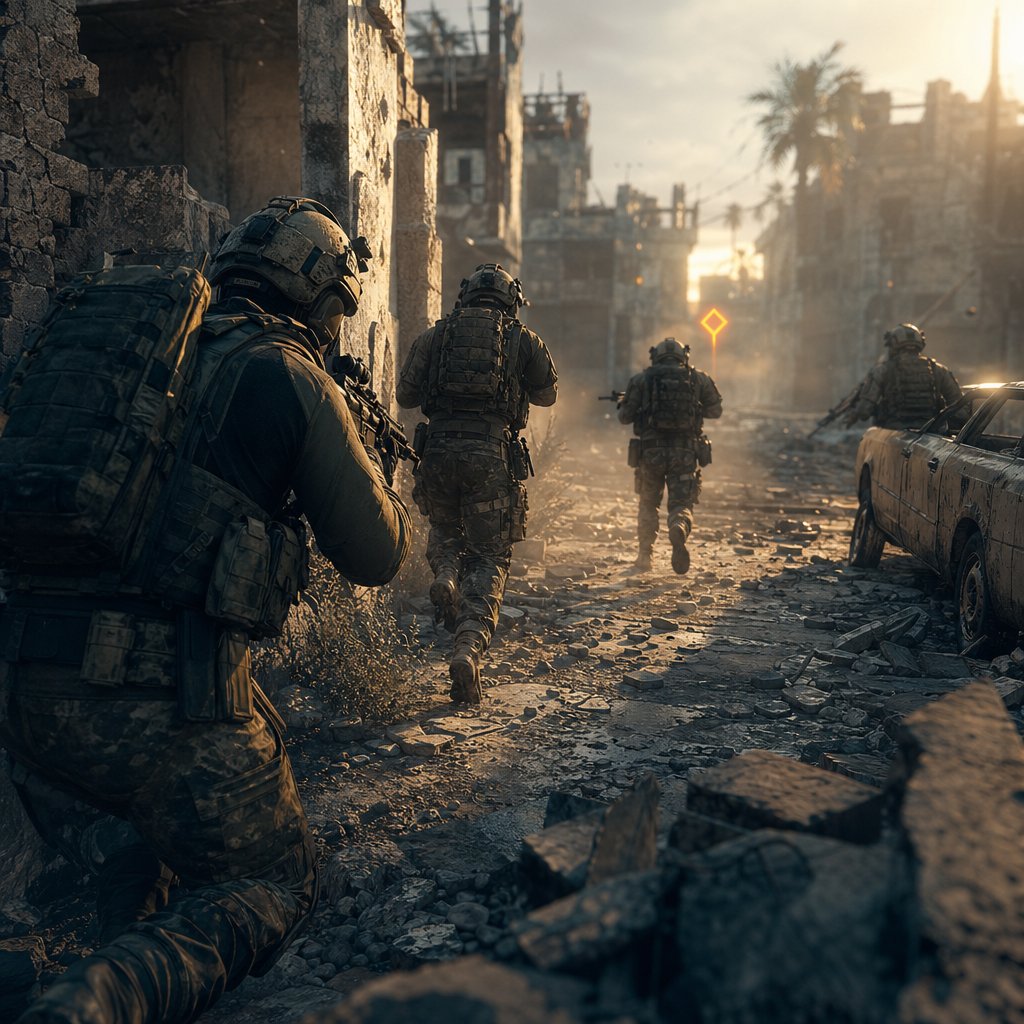
Warfare drops you into large-scale fights with fast respawns and constant pressure. That forgiving structure makes it the best place to practice real delta force tactics before the stakes get higher in Operations. The trick is not to play it like a deathmatch. Objective play wins rounds, and it also teaches you the habits that keep you alive everywhere else.
Your First Delta Force Team Mode Opening Minute
The first sixty seconds set the tone for the entire match. Resist the urge to sprint toward the nearest gunfire. Instead, follow this sequence and treat it like a script you can repeat every round until the flow becomes instinct:
- Spawn and immediately check the objective markers on your HUD. Identify which point is active, whether your team is attacking or defending, and where the majority of your teammates are heading.
- Move with the nearest group. Do not branch off alone. Staying within revive range of at least one teammate doubles your effective time in the fight.
- Pick a piece of hard cover near the objective and hold it. A wall, a vehicle, a doorframe — anything that blocks incoming angles while you observe the sightlines around the point.
- Watch where enemies appear for ten to fifteen seconds before you challenge anyone. Learning the common approach lanes on a map is worth more than one early kill.
- Take your first engagement from cover, at a range you are comfortable with. If you miss, duck back instead of committing to a duel you are not confident in.
- After the fight, check your health, reload, and reposition slightly. Staying in the exact same spot invites a revenge push from someone who already knows your angle.
How to Stay Useful Even If Your Aim Is Inconsistent
Bad aim days happen to everyone. The good news is that Warfare rewards presence more than precision. Sitting on a capture zone counts toward the objective even if you never fire a shot. Reviving a downed teammate resets their contribution to the fight. Dropping ammo or healing near a chokepoint keeps your squad pushing when they would otherwise fall back. These are some of the most practical delta force tips and tricks you can apply from match one: impact does not require a highlight reel.
If your shots are not landing, switch to a support mindset. Hold angles that teammates are already pressuring so enemies have to split their attention. Suppress a doorway so your squad can cross safely. Toss a smoke grenade on a downed ally and revive them behind it. Every one of these actions creates space your team can use, and none of them depend on winning a one-on-one gunfight.
When to Push, Defend, Revive, or Rotate
Decision-making separates useful players from confused ones. A few simple delta force tips will keep you on the right side of that line:
- Push when your team has numbers on the point and the enemy is retreating or respawning. Pushing alone into a held position almost always ends badly.
- Defend when your team already controls the objective. Anchor near cover, watch flanks, and let attackers come to you.
- Revive when a teammate drops near you and the area is not being actively pushed. A two-second revive is almost always worth more than chasing the kill that downed them.
- Rotate when your lane is overwhelmed or the objective shifts. Dying repeatedly on a lost angle teaches you nothing. Fall back, regroup, and approach from a different direction.
Most beginner mistakes boil down to three habits: pushing alone without teammate support, ignoring the objective marker to chase kills across the map, and re-peeking the same angle after getting tagged. If you catch yourself doing any of these, reset. Back off, find your squad, and re-engage with a plan. Consistent delta force tactics are built on small corrections, not dramatic plays.
Warfare teaches you how to fight around objectives with a safety net. Operations strips that net away entirely, and the decisions you make in the first few minutes of an extraction run determine whether you leave with profit or lose everything.
Step 6: Survive Your First Operations Extraction Run
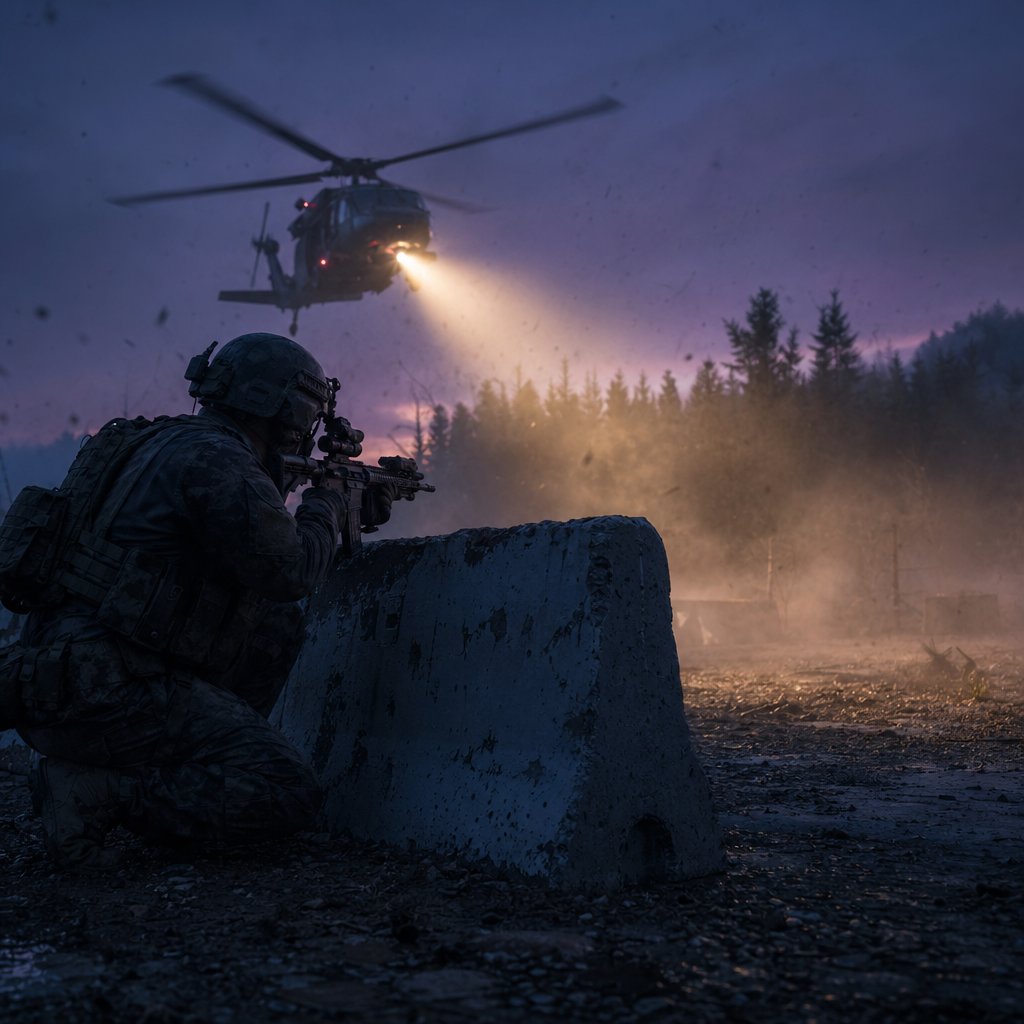
Operations punishes hesitation and greed in equal measure. You drop in with gear you paid for, surrounded by AI patrols and rival squads who want what you are carrying. There is no respawn timer counting down to save you. Every second you spend in the map is a calculated bet: is the next room worth the risk, or should you head for the exit while you still can? Getting comfortable with that tension is the real skill delta force extraction mode teaches, and it starts before you ever hit deploy.
How to Start Your First Operations Run Safely
The pre-deployment mindset matters more than most players realize. Before you load in, accept one thing: your first few runs are tuition. You are paying to learn routes, spawn timing, loot locations, and how other players move. Treating early runs as scouting missions instead of profit runs removes the panic that gets beginners killed in the opening minutes.
Bring a budget loadout. Mid-tier armor, a weapon you already practiced in Warfare, enough healing to survive two fights, and a backpack with room to spare. Overspending on your first delta force operations run means a single death drains your credits before you have learned anything useful. Keep the investment low so the lesson stays cheap.
Once you are on the ground, follow this sequence:
- Pause at your spawn point for five to ten seconds. Listen. Gunfire in the distance tells you where other squads landed. Silence means your immediate area is likely clear, but stay cautious.
- Open your map and identify the nearest low-traffic loot area. Avoid marked objectives and high-value zones on your first run. Those attract experienced players hunting for exactly the kind of fight you are not ready for.
- Move indoors quickly. Buildings limit enemy approach angles and reduce the chance of getting sniped crossing open ground.
- Loot only what fits your plan. Grab items that are small, valuable, and easy to stash in your Safe Box. Leave bulky, low-value gear behind rather than filling your backpack with dead weight.
- After looting one or two rooms, check your health, ammo, and the extraction timer. If your Safe Box has something worth keeping, start moving toward an exit point.
- Extract. Do not talk yourself into one more building. The delta force easy money route on your first run is the one that ends with you alive and carrying anything at all.
When to Loot, Fight, Disengage, or Extract
Every decision in delta force extraction boils down to a risk calculation. The problem is that beginners often misjudge where they sit on the risk spectrum because they have not failed enough times to calibrate. This table gives you a framework to reference until your instincts catch up.

A common trap is treating every encounter as a must-win fight. Is delta force operations PvP? Absolutely, other player squads share the map and will engage you. But the delta force operations game also fills the environment with AI soldiers who can soften you up before a real squad finishes the job. Picking fights you do not need drains health, burns ammo, and broadcasts your position to everyone nearby. Disengage whenever the math does not favor you: if you are low on meds, outnumbered, or sitting on loot worth more than the potential reward of another kill, leave.
What Success Looks Like in Delta Force Extraction Mode
Forget kill counts. A successful first Operations run can look like any of these:
- You extracted alive with a single item in your Safe Box.
- You learned one reliable route from spawn to extraction without dying.
- You completed a minor objective and banked the reward.
- You identified a high-traffic area to avoid next time.
Each of these outcomes builds the map knowledge and decision-making that separate players who profit consistently from players who bleed credits every session. Veteran delta force operations tips almost always circle back to the same principle: survive first, profit second, fight only when the odds are clearly in your favor.
Maps like Layali Grove and Zero Dam offer more forgiving layouts for beginners, with spread-out spawn points and multiple extraction options that reduce the chance of running into stacked squads at a single chokepoint. Space City and Brakkesh, by contrast, funnel players into tighter spaces where PvP is almost unavoidable. Stick to the easier-rated maps until your survival rate climbs, then graduate to higher-pressure environments when you are ready to test what you have learned.
The safest first run is the one where you leave alive. Everything else, the loot, the kills, the objectives, layers on top of that foundation over time.
Surviving the map is one challenge. Reading the lobby before you even deploy is another, and it can save you from walking into a session that is stacked against you from the start.
Step 7: Read the Lobby and Make Safer Matchmaking Choices
Most beginners treat the pre-match lobby like a loading screen — something to click through as fast as possible. That is a missed opportunity. The lobby gives you real information about what you are walking into, and reading it properly is one of the easiest ways to avoid sessions that feel impossibly stacked from the jump.
How to Read Delta Force Matchmaking Before You Deploy
How does Delta Force Operations matchmaking work in practice? The game assigns you to a session based on region, squad status, and available server capacity. You will not see a live player count ticker or a list of enemy squads before you load in, so the question of how many players in Operations you are facing on any given run stays partially hidden. That uncertainty is by design — it creates the tension the mode thrives on. What you can control is how you enter.
Pay attention to the map selection screen. Some maps funnel players into tight corridors where contest density spikes fast, while others spread squads across wider terrain with more breathing room. If a map felt crowded or chaotic last run, switch to a different one. You are not locked in.
What Solo and Squad Players Should Check in the Lobby
Your squad fill setting is the single biggest variable you control before deploying. Running with a coordinated trio versus dropping solo into a session where other teams spawn as full squads changes the math on every fight you take.
- Solo queue: Enable squad fill unless you specifically want the challenge of running alone. A random teammate who shares callouts is still better than no teammate at all. If fill gives you a partial squad, play cautiously — you are at a numbers disadvantage against full trios.
- Duo or trio: Confirm roles before deploying. Two Support players and no Recon means you are walking blind into contested areas. A quick class check in the lobby takes five seconds and prevents overlapping kits.
- Any squad size: Check your loadout cost against your current credit balance. If one death would bankrupt you, downgrade your gear or run a Warfare match to rebuild funds first.
How to Adjust When an Operations Match Feels Crowded
Sometimes you land and immediately hear gunfire from multiple directions. That is a signal, not a death sentence. When a session feels packed, shift your plan: avoid high-value objectives, stick to the edges of the map, loot quietly, and move toward extraction earlier than you normally would. Audio awareness is your best radar — sustained firefights between other squads tell you exactly where not to go, and they also mean those players are burning health and ammo before they ever see you.
Delta Force Operations player count per session can vary, and the game does not publish fixed numbers for how many teams spawn in Delta Force Operations at any given time. Rather than guessing, let the environment tell you. Multiple gunfight sounds within the first minute? High density. Near silence after thirty seconds? You likely have space to work with. Adjust your aggression accordingly.
The safest early improvement comes from controlled positioning, not proving your mechanical skill every round. Read the lobby, pick your spots, and let reckless players eliminate each other.
Smart lobby decisions protect your credits and your sanity. The final piece is knowing what to do after a run ends — how to review what went wrong, fix one thing at a time, and set yourself up for a stronger next session.
Step 8: Review Your Run, Improve Fast, and Gear Up Wisely
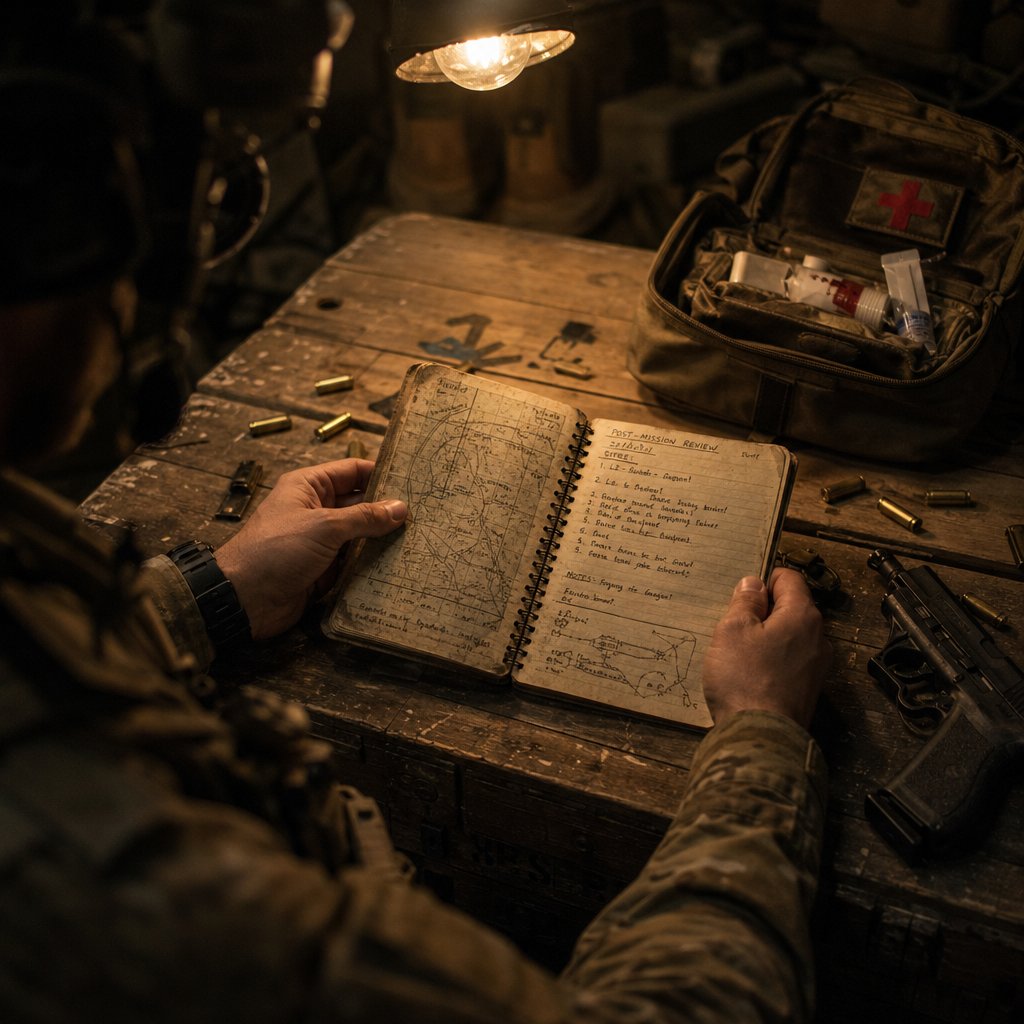
A dead run only stays wasted if you learn nothing from it. The fastest way to improve in any delta force operations guide worth reading is not grinding more hours — it is spending two minutes after each session asking the right questions before you redeploy.
How to Review Each Delta Force Match and Improve Fast
Every failed run has a root cause, and it is almost never "my gun was bad." After each match, run through this checklist honestly:
- Positioning — Did you die in the open, or were you behind cover? If you got caught crossing a street or looting with your back to a door, that is a positioning fix, not a loadout problem.
- Pacing — Did you linger too long in one area? Overstaying in a looted building is one of the most common ways beginners attract attention they cannot handle.
- Loadout cost vs. return — Did you bring more gear than the run justified? If you spent 80% of your credits and extracted nothing, scale the investment down next time.
- Greed — Were you heading toward extraction and then talked yourself into one more room? That detour is where most profit turns into loss.
- Objective neglect — Did you ignore available missions that would have added value to the run without much extra risk?
Fix one thing per session. Rebuilding your entire approach after a bad run creates new problems faster than it solves old ones.
What to Change in Your Loadout After a Bad Run
If you died with full ammo, you probably needed more healing instead. If you ran dry mid-fight, you under-packed magazines. If your backpack was still empty at death, you were fighting when you should have been looting. Let the failure pattern dictate the adjustment — swap one item, not five. Spending discipline matters here: track how much each deployment costs and compare it against what you extracted over your last few runs. A consistent delta force operations guide habit is keeping your average loadout cost below what you reliably bring back, so your credit balance trends upward over time.
When It Makes Sense to Invest More in Your Progression
One question that comes up constantly: does Delta Force wipe? The short answer is that Operations runs a seasonal reset system, but it is opt-in, not forced. Stash items and Operations levels can reset if you choose to participate, while cosmetics, operator unlocks, and premium Delta Coins survive every transition. Does Delta Force Operations wipe your entire account? No. Warfare progress is never touched, and anything you have permanently unlocked stays unlocked. If seasonal details matter to your planning, confirm the current schedule through official channels since timing can shift between cycles.
That distinction matters when you are deciding whether to invest real money. Delta Coins fund cosmetics, Season Pass tiers, and store purchases — none of which disappear in a reset. Once you have the fundamentals down and know you are sticking with the game, topping up through a reliable source like VeloxGame's Delta Force Top Up gives you faster access to Credits, battle pass progression, and cosmetic options without the grind. It is not a shortcut past learning the game, but it removes friction for players who have already put in the work and want more in-game flexibility.
Set yourself a simple goal list for your next session:
- Apply the one fix you identified from your last run.
- Keep loadout spending at or below your average extraction value.
- Try one new route or objective you have not attempted before.
- Extract at least once — even a clean exit with minimal loot reinforces good habits.
Improvement in Delta Force is not about dramatic overnight jumps. It is small, deliberate corrections stacked across dozens of runs until the decisions that used to feel risky start feeling routine. The chaos of your first Operations deployment fades fast when every session ends with a clear next step.
Frequently Asked Questions About Playing Delta Force
1. Is Delta Force free to play?
Yes, Delta Force is a free-to-play military FPS available on PC, console, and mobile. You can download it through platforms like Steam or the Epic Games Store at no cost. Optional in-game purchases such as Delta Coins cover cosmetics, Season Pass tiers, and store items, but none of these are required to access core gameplay modes like Warfare or Operations.
2. What is the difference between Warfare and Operations in Delta Force?
Warfare is a large-scale team mode with respawns where you capture or defend objectives alongside dozens of teammates. Operations is an extraction-based mode where squads of up to three deploy with purchased gear, loot the map, complete tasks, and must reach an exit point alive to keep their haul. Dying in Operations means losing the gear you brought in, making it a higher-stakes experience that rewards patience and route knowledge over raw aggression.
3. What is the best beginner class in Delta Force?
Support is widely considered the most beginner-friendly class because its self-healing abilities compensate for the positioning mistakes new players inevitably make. Operatives like Stinger can deploy rapid heals and revive teammates mid-fight, keeping you and your squad in the action longer. Assault is a solid second choice thanks to its mobility options, while Recon and Engineer both demand deeper game knowledge that takes several sessions to develop.
4. Does Delta Force Operations wipe your progress?
Delta Force Operations uses a seasonal reset system, but participation is opt-in rather than forced. Stash items and Operations-specific levels may reset if you choose to engage with the seasonal cycle, while cosmetics, operator unlocks, and premium Delta Coins carry over permanently. Warfare progress is never affected by any reset. For the most current reset schedule, check official Delta Force channels since timing can shift between seasonal cycles.
5. How can I get Delta Coins or Credits faster in Delta Force?
The primary in-game method is extracting successfully from Operations runs with valuable loot and completing objectives that pay out credits. Over time, consistent survival and smart loadout spending build your balance naturally. If you want to accelerate access to Credits, battle pass progression, or cosmetic purchases after learning the basics, topping up through a trusted provider like VELOX's Delta Force Top Up at veloxgame.com offers a reliable shortcut without bypassing the core gameplay learning curve.





