


The Short Answer and the Core Terms
Whether Arena Breakout supports crossplay depends entirely on which version you are playing, what platform you are on, and in some cases, your region.
Direct Answer to Is Arena Breakout Crossplay
Arena Breakout is not a single unified product. The global mobile game and Arena Breakout Infinite on PC are separate titles with separate ecosystems, and crossplay between mobile and PC is not supported. Within the mobile version, Android and iOS players can play together, but that does not extend across to the PC client.
That distinction trips up a lot of players. The branding looks similar, the gameplay loop shares DNA, and it is easy to assume everything connects. It does not, at least not right now.
Crossplay vs Cross Progression vs Account Access
Before diving deeper, a few terms need separating. People searching "is arena breakout cross platform" are often asking about several different things at once without realizing it.
- Crossplay — players on different platforms (e.g., mobile and PC) entering the same match together in real time.
- Cross platform support — a game being available on more than one platform, which says nothing about whether those platforms interact.
- Cross-progression — carrying your inventory, rank, and unlocks from one device or platform to another.
- Party play — inviting friends into a squad, which may or may not work across device types.
- Matchmaking — the backend system that places players into lobbies, sometimes restricted by platform or input method.
- Same-account login — signing into your account on a different device, which does not automatically mean your progress or friends list follows.
Mixing these up leads to wrong expectations fast. Being able to log in somewhere new is not proof of full crossplay or shared progression.
Why Version and Region Matter
Arena Breakout exists as a global mobile release and as Arena Breakout Infinite, a standalone PC title. Some regions also have localized versions with their own update schedules and feature sets. Each of these can have different rules around matchmaking, friend systems, and account behavior. Throughout this article, every claim is tied to a specific version and backed by official sources rather than assumptions, so you always know exactly which product the answer applies to.
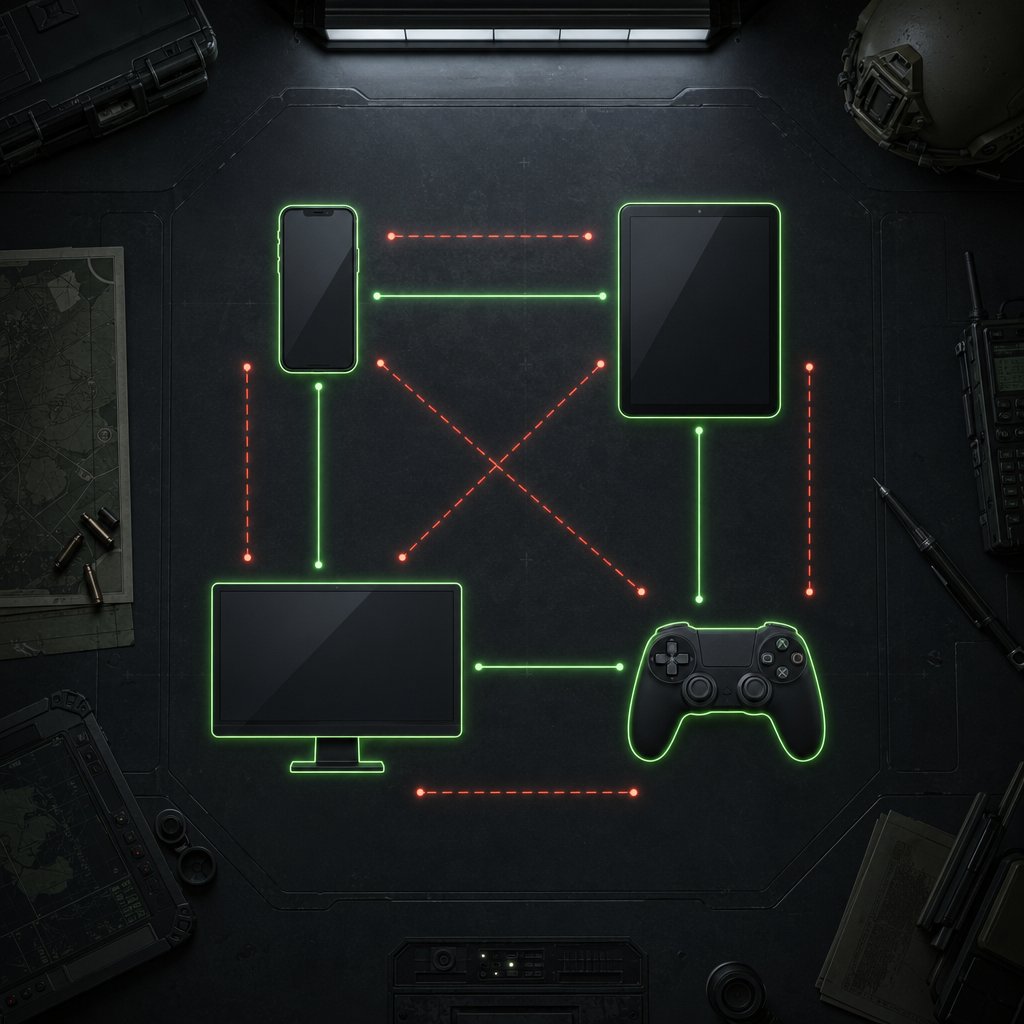
Arena Breakout Cross Platform Support Matrix by Version
Knowing the terminology only gets you halfway. The real question is which platforms actually connect, and the answer changes depending on the version you have installed. Below is a full compatibility breakdown covering the global mobile game, Arena Breakout Infinite on PC, and console-to-console play.
Compatibility Matrix by Version and Device
This table maps every major platform combination against the features players care about most: shared matchmaking, squad invites, and progression transfer. Where official sources have not confirmed a behavior, the cell is marked "Unconfirmed" rather than assumed.

A few things jump out immediately. Arena Breakout Infinite crossplay between PC and console was actively removed after a community poll in August 2024 — roughly split at 48% against and 47% in favor — so this was a deliberate design choice, not a missing feature. Meanwhile, the China server runs PC-mobile crossplay without issue, which confirms the technology exists even though global players do not have access to it.
What Friends Can Do Across Platforms
The friend system and actual gameplay access are two different layers. Through the Level Infinite Pass, players can link social accounts like Facebook or Google, scan contact lists, and find other Arena Breakout players regardless of device. Chat functionality works across platforms too. But finding a friend and playing with them are not the same thing.
- Android and iPhone players on the global mobile version can squad up, matchmake together, and share a lobby with no restrictions.
- PC players on Arena Breakout Infinite are locked into PC-only matchmaking pools. Even if a mobile friend appears on your list, you cannot invite them into a match.
- Console players on PlayStation and Xbox share a matchmaking pool, so cross-console squads work fine.
- A friend on PC and a friend on console cannot party up — that bridge was removed when PC-console crossplay was disabled.
In short, the social layer is broader than the gameplay layer. You might see friends online across platforms, but joining their match requires both of you to be on a compatible version.
Region-Specific Notes to Label Clearly
China's version deserves its own callout because it operates under different rules. The Chinese release launched on mobile in July 2022 — a full year before the global mobile version — and its dedicated servers support PC-mobile crossplay through Tencent's backend. That version also features exclusive content and a separate update cadence.
For global players, none of China's cross-platform features carry over. If you are searching "is Arena Breakout Infinite cross platform" from North America, Europe, or Southeast Asia, the answer is no for mobile-to-PC and no for PC-to-console. Console-to-console remains the only confirmed arena breakout cross platform pairing outside of the mobile ecosystem.
Any future changes to these regional boundaries would need to come through official patch notes or developer announcements. Until then, treat each column in the matrix above as the current reality for your region, and keep an eye on what the mobile version specifically supports on your device.
What Mobile Players Can and Cannot Do
The mobile version is where most Arena Breakout players land first, and it is also where the crossplay picture is simplest. If your entire friend group is on phones or tablets, the good news is straightforward — but a few common assumptions still lead people astray.
Android and iPhone Crossplay Basics
Can Android and iPhone play Arena Breakout together? Yes. The global mobile release runs on a unified server infrastructure, meaning iOS and Android players share the same matchmaking pool. There is no platform-gating between the two operating systems. Your friend on a Samsung Galaxy and your friend on an iPhone 15 can land in the same lobby, run the same raid, and extract together without any workarounds.
This arena breakout Android iPhone crossplay works because Tencent built the mobile version as a single ecosystem rather than splitting it by OS. You add friends through the in-game friend system, search by username, and invite them into your squad directly from the Game Friends window.
Party Play and Matchmaking on Mobile
Squading up on mobile is a few taps. Here is what is confirmed for the global mobile version:
- Friend invites — add players by username or through the Recent Interaction tab after a random match, then invite them to your group from the Game Friends section.
- Shared lobbies — once grouped, the lobby leader picks the game mode and map, and the entire squad queues into the same match.
- Voice and text chat — in-game communication works across Android and iOS with no extra setup.
- Referral rewards — the Invite Friends feature lets you share a unique code with new players, earning both sides in-game rewards when the code is used.
Matchmaking does not separate players by device brand, chipset, or operating system. If you are both on the global mobile client, you are in the same pool.
Limits Mobile Players Commonly Misread
Here is where confusion creeps in. Several things that look like crossplay or cross-progression on the surface are actually something else entirely:
- Logging into your account on a new phone does not guarantee arena breakout mobile cross progression. Your inventory and rank are tied to the server and account, not the device hardware — but switching between regional versions or moving to a PC client will not carry that data over.
- Seeing a friend online does not mean you can always join them. The social layer spans platforms, so a PC player might appear in your friends list. You still cannot invite them into a mobile match.
- Account linking is not the same as progress transfer. Connecting a Facebook or Google account helps with login recovery and friend discovery. It does not merge inventories across separate game versions.
The bottom line for mobile: Android-to-iOS play is fully functional, party systems work as expected, and the friend tools are solid. Just do not mistake any of that for a bridge to the PC or console side of things — those are entirely different products with their own matchmaking rules, which changes the conversation significantly once Arena Breakout Infinite enters the picture.
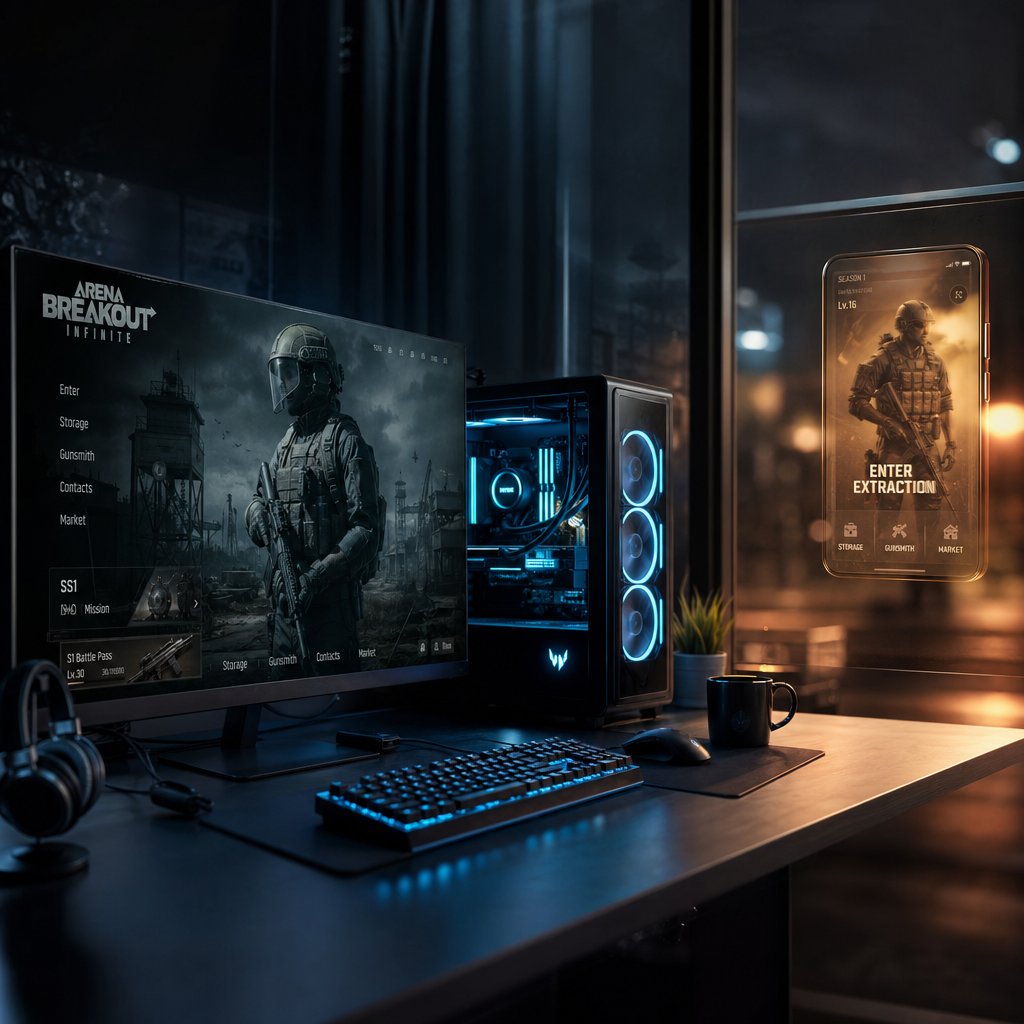
How Arena Breakout Infinite Fits the Crossplay Picture
Arena Breakout Infinite shares a name, a visual identity, and a core gameplay loop with the mobile version. That is roughly where the overlap ends. Infinite is not a port. It is not a companion app. It is a standalone PC extraction shooter built from the ground up for mouse-and-keyboard play, with its own economy, its own matchmaking pool, and its own content roadmap. Treating it as "the desktop version of the mobile game" is the fastest way to set yourself up for disappointment when you try to squad with a friend on their phone.
Arena Breakout Infinite Is a Separate Platform Question
When someone asks "is Arena Breakout Infinite crossplay," they are really asking a different question than when they ask about the mobile title. Infinite exists in its own silo on global servers. PC players match against other PC players. Mobile players stay in the mobile pool. The two never meet in the same raid.
This separation is intentional. The global server architecture keeps platforms apart for competitive balance — mouse precision and higher frame rates give PC players a measurable edge over touchscreen users. China's Tencent-operated servers do blend PC and mobile lobbies, but that infrastructure is region-locked and unavailable to players outside mainland China.
So is Arena Breakout Infinite cross platform with mobile? No. The two products do not share matchmaking, inventory, in-game currency, or raid progress on global servers. Even linking the same Level Infinite Pass email on both clients only connects your friends list and chat — not your stash, not your rank, not your loadouts.
PC Access Through Launcher, Steam, or Store Queries
If you have been searching for "arena breakout infinite steam" or wondering about the arena breakout infinite steam release date, the answer is already settled. MoreFun Studios officially launched Arena Breakout Infinite as a free-to-play title on both Steam and the Epic Games Store on September 15, 2025, following an Early Access period that began in August 2025.
Here is what is confirmed about PC availability right now:
- Steam — full release, free to download, with an active store page and community hub.
- Epic Games Store — same full release, same free-to-play model.
- Pricing — the base game costs nothing. MoreFun Studios also removed the ability to purchase in-game currency (Koen) with real money at full release, leaning into a fairer economy model.
- Content at launch — five maps (Farm, Valley, Armory, TV Station, Northridge), multiple game modes including Solo Mode, 69 weapons with over 880 accessories, and a dynamic weather system.
- Anti-cheat — the studio highlighted one of the strongest anti-cheat systems in the extraction shooter genre as part of its full release commitment.
There is no separate proprietary launcher required. Both storefronts handle installation and updates directly. If you previously played during Early Access, your account carries forward into the full release on the same platform — but again, nothing from the mobile client transfers over.
What PC Players Should Not Assume About Crossplay
The branding overlap between Arena Breakout and Arena Breakout Infinite creates a handful of assumptions that do not hold up. Here are the ones that catch PC players off guard most often:
- "Same name means same game" — it does not. Infinite has its own weapon balance, map design, progression system, and seasonal wipe schedule. Mobile skins, items, and currency do not exist in the PC client.
- "Linking my account means my progress follows" — linking a Level Infinite Pass or social account connects your identity for friend discovery and chat. Inventory, rank, and Koen stay locked to the platform where you earned them.
- "PC-to-console crossplay must be coming" — a community poll in 2024 split nearly 50/50 on whether PC and console players should share lobbies, and the feature was disabled. There is no official timeline for revisiting that decision.
- "If China has mobile-PC crossplay, global will get it too" — China's version runs on different backend infrastructure with different matchmaking rules. Global rollout of that feature has not been announced.
The safest approach is to verify every crossplay or cross-progression claim against official patch notes or the Arena Breakout Infinite website rather than inferring anything from shared branding. PC matchmaking compatibility is a feature that has to be explicitly enabled and documented — it cannot be assumed just because two products carry the Arena Breakout name.
That clarity matters even more when the conversation shifts to consoles, where availability questions and crossplay expectations get tangled together in a different way entirely.
Where Console Support Stands Right Now
Console players searching "is Arena Breakout on console" deserve a straight answer rather than speculation dressed up as news. The reality is simple, even if it is not what most people want to hear.
Is Arena Breakout on Console Right Now
Neither the global mobile game nor Arena Breakout Infinite is available on any console platform. The mobile version runs on iOS and Android only. Arena Breakout Infinite launched on PC through Steam and the Epic Games Store in September 2025 — but that release did not include PlayStation or Xbox builds of any kind.
Here is the current availability picture in one glance:

No workarounds, no hidden beta, no region-specific console client. If someone tells you otherwise, ask for a source.
What Has Been Said About Future Console Plans
Is Arena Breakout Infinite coming to console at some point? As of now, the developer has not announced a release window or even confirmed that a console port is in development. A moderator on the game's official Discord stated there are no plans for a console release, and nothing on the public roadmap contradicts that. Community demand has been vocal — forums and social channels are full of requests for Xbox and PlayStation ports — but demand alone does not equal a confirmed timeline.
Tencent has a track record of bringing titles to console eventually, so the possibility is not off the table. Porting an extraction shooter built around mouse-and-keyboard precision to controller input is a significant engineering effort, though, and balancing aim-assist against PC players adds another layer of complexity. Until MoreFun Studios makes an official statement, any "leaked" console date is speculation.
How Console Questions Connect to Crossplay
Here is the part that trips people up: even if a console version launches tomorrow, that does not automatically mean crossplay follows. Platform availability and cross-platform matchmaking are separate decisions. A game can exist on five platforms and still keep every player pool isolated.
- A future PS5 or Xbox release would need its own crossplay confirmation — with PC, with mobile, or with the other console family.
- The PC-to-console crossplay question already has precedent in this franchise: it was tested and then disabled after a near-even community vote in 2024.
- Console-to-console play (PlayStation to Xbox) would also require explicit confirmation rather than assumption.
So when you see "is Arena Breakout coming to console," treat it as two questions stacked on top of each other: will it be available, and will it connect to other platforms. Right now, the answer to both is no. Refer back to the compatibility matrix above to compare what is confirmed today against what might change later — and keep expectations grounded in official announcements rather than wishful thinking.
That distinction between what exists and what people assume carries into another area players frequently mix up: the difference between crossplay and cross-progression, two concepts that sound related but work nothing alike in practice.
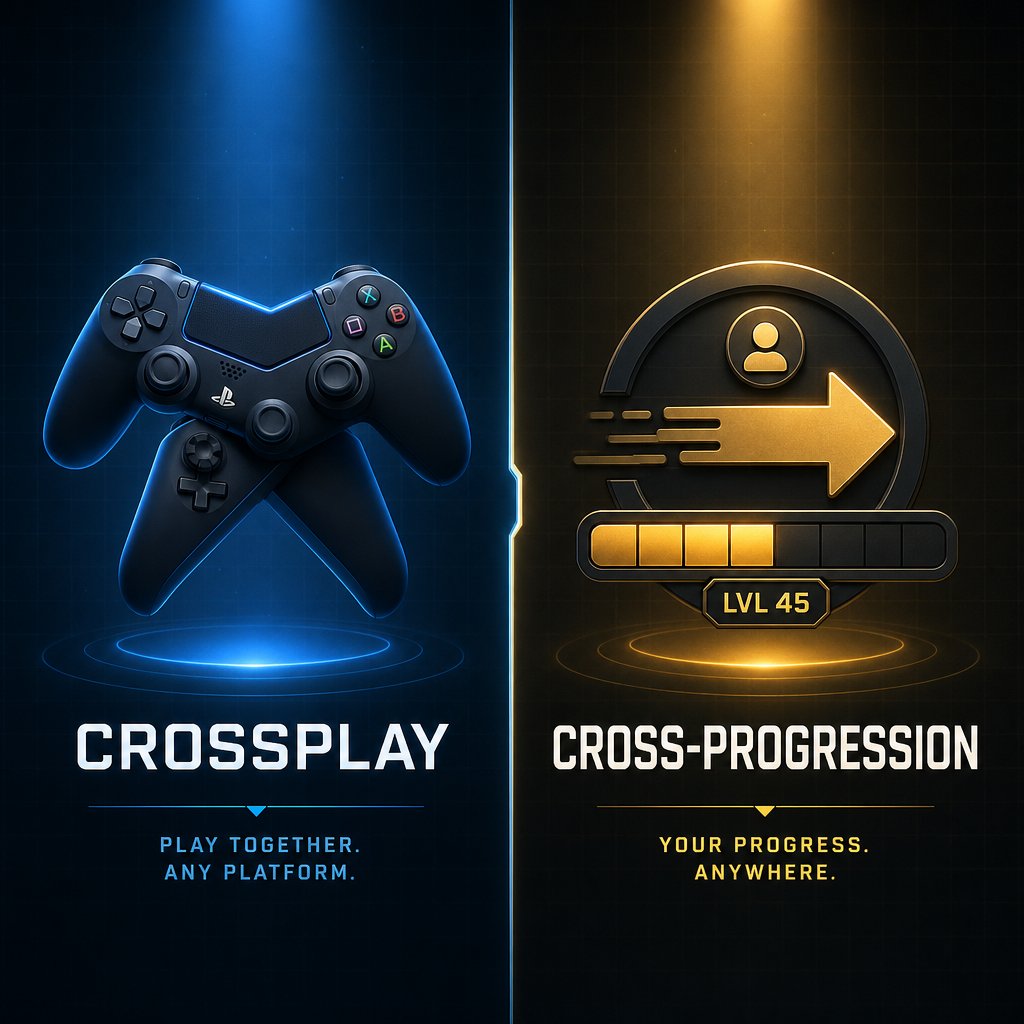
Does Arena Breakout Have Cross Progression?
Players often lump crossplay and cross-progression into the same bucket. They are not the same feature, they do not depend on each other, and confusing them leads to real frustration — especially when a seasonal wipe hits and you realize your inventory was never going to follow you to another platform in the first place.
Crossplay Is Not the Same as Shared Progress
Crossplay answers one question: can players on different platforms enter the same match? Arena breakout cross progression answers a completely different one: does your gear, currency, and rank travel with you when you switch devices or versions? These two systems can exist independently. A game can support crossplay without sharing a single item between platforms, and it can offer cross-progression without ever putting mobile and PC players in the same lobby.
Here is how each concept breaks down in Arena Breakout right now:

Being able to sign in on another device or see a friend online across platforms does not prove shared matchmaking or shared inventory. These are separate systems with separate rules.
What Wipes and Resets Mean for Progress
Seasonal wipes add another layer of confusion. Arena Breakout wipes progress on a per-platform basis at the start of each new season, and the scope of those resets is aggressive. When Season 4: Dusk to Dawn launched in January 2026, the following happened on both the mobile and Infinite clients:
- Wiped: full stash and inventory, all Koens (in-game currency), trader reputation, and quest progression.
- Kept: Bonds (premium currency, 100% preserved), character levels, skill proficiencies, unlocked maps, hideout upgrades, and secure container sizes.
This matters for the cross-progression conversation because even within a single platform, most of your tangible progress resets every season. Expecting that same progress to also transfer across to a different version — where it would be wiped on its own schedule anyway — misreads how the system works. Each platform runs its own seasonal economy, and wipe timing can differ between the mobile and PC clients.
Account Linking, Friends Lists, and Transfers
The Level Infinite Pass is the connective tissue between Arena Breakout products. Link your Facebook, Google, Apple ID, or other social account, and you can find friends, send messages, and see who is online regardless of whether they are on mobile or PC. That social bridge is real and functional.
What it does not do:
- Transfer weapons, armor, or any stash items between the mobile and PC versions.
- Sync Koens or Bonds balances across platforms — each version tracks its own currency independently.
- Merge progression, rank, or trader reputation from one client into another.
- Allow you to accept a squad invite from someone on a different platform ecosystem.
Think of account linking as a shared address book, not a shared bank account. You can see your contacts, but your wallets are completely separate. Players who invested hundreds of hours on mobile and expected that effort to carry into Arena Breakout Infinite learned this the hard way when the PC Early Access launched — fresh start, zero carryover, no exceptions on global servers.
With these distinctions clear, the practical question shifts from "what connects" to "what should I actually download" — and that depends on your device, your friend group, and which version you plan to invest time in.
Choosing the Right Arena Breakout Download for Your Platform
Downloading the wrong version is easier than it sounds. Search "Arena Breakout" on any app store or game launcher and you will find results that look almost identical — same logo, similar screenshots, overlapping descriptions. Pick the wrong one and you end up on a platform your friends cannot reach, with zero way to transfer your progress later.
Pick the Right Version for Your Device
The decision tree is short, but getting it wrong wastes real time. Follow these steps before you install anything:
- Identify your device. Phone or tablet? You want the global mobile version of Arena Breakout, available on both the Google Play Store and Apple App Store. PC? You want Arena Breakout Infinite.
- Check what your friends are playing. If your squad is on mobile, downloading Infinite on PC will not let you join them — and vice versa. Confirm the exact version and platform everyone is using before committing.
- Match your region. The global mobile client and the China-specific version are separate products with separate servers. Installing the wrong regional build means you will not see your friends in-game even if you are on the same device type.
- Verify the download source. Only install from official channels. For mobile, that means the Google Play Store or Apple App Store. For PC, use Steam or the Epic Games Store — both offer Arena Breakout Infinite as a free-to-play title with no separate launcher required.
That fourth step matters more than it seems. During the Early Access period, PC players had to use the Level Infinite launcher to access the game. Since the full release in September 2025, Steam and Epic handle everything directly. If you are still running an old launcher install, updating through one of those storefronts keeps things cleaner.
How to Download Arena Breakout on PC Without Confusion
The arena breakout download PC process is straightforward, but two common mistakes still trip people up. First, searching "Arena Breakout" on Steam pulls up Arena Breakout Infinite — that is the correct result for PC. There is no separate "Arena Breakout" desktop client for the mobile game. Second, some players try running the mobile version through an Android emulator on PC, expecting to matchmake with Infinite players. That does not work. Emulated mobile clients connect to mobile servers, not the Infinite matchmaking pool.
If your hardware cannot run Infinite natively, cloud gaming services offer an alternative path. Players have reported success using platforms like Shadow PC to stream the game from a remote machine, which sidesteps local hardware limitations while keeping you in the correct PC matchmaking pool. Just keep in mind that input latency varies by connection quality, and extraction shooters punish even small delays.
Useful Resources After You Start Playing
Once you have confirmed your platform, matched your version to your friends, and installed from an official source, a few resources help smooth out the early hours:
- VeloxGame Arena Breakout Top Up — if you need B Coins to get started with cosmetics or premium currency, this is a reliable option for topping up your account.
- The in-game friend system — add your squad by username immediately after installing so you can verify everyone is on the same version before your first raid.
- Official patch notes and the Arena Breakout Infinite website — seasonal wipes reset most of your progress, so checking the current season status before investing heavily saves headaches down the line.
- Controller setup guides — Infinite does not have native controller support, so if you prefer a gamepad, you will need third-party remapping tools. Sportskeeda's breakdown covers the workaround process.
The goal is simple: get on the right version, confirm your friends are there too, and avoid sinking hours into a build that isolates you from the people you want to play with. Everything else — loadouts, economy, map knowledge — comes after that foundation is solid. And for players who already know exactly where they stand, the final piece is figuring out the best path forward based on your specific friend group and platform mix.
Best Next Steps for Friends Who Want to Squad Up
Your platform situation dictates your options. Rather than rehashing every rule, here is what to actually do based on the friend group you have right now.
Best Path for Friends on the Same Mobile Ecosystem
This is the easiest scenario. If everyone in your squad is on Android, iOS, or a mix of both, you are already set.
- Download the global mobile version from the Google Play Store or Apple App Store — both connect to the same servers.
- Add each other by username through the in-game friend system and squad up directly. No workarounds needed.
- Keep your accounts linked to a Level Infinite Pass so you can recover access if you switch phones later.
Android-to-iPhone crossplay works without friction. Matchmaking, voice chat, squad invites — all of it functions across mobile operating systems.
What to Do if Your Group Uses Different Platforms
This is where things get uncomfortable. Can mobile and PC play Arena Breakout together? No — not on global servers. If half your crew is on phones and the other half is on Arena Breakout Infinite, you have a decision to make.
- Mobile + PC friends: You cannot squad up across these versions. Either everyone commits to mobile or everyone moves to PC. There is no middle ground on global servers.
- PC-only squads: Stick with Arena Breakout Infinite through Steam or Epic. Matchmaking pools are healthy, and all PC players share the same lobbies regardless of storefront.
- Waiting for console: No console version exists or has been officially announced with a date. Planning your squad around a future PlayStation or Xbox release means planning around something that may not arrive — and even if it does, crossplay with PC or mobile would still need its own separate confirmation.
Next Steps Before You Spend or Switch Devices
Before you invest money or time into any version, lock down a few things first:
- Confirm every friend in your group is on the same platform and the same regional version.
- Check the current season status — if a wipe is days away, you might want to hold off on heavy grinding until the reset clears.
- If you are on a supported version and ready to gear up, VeloxGame's Arena Breakout Top Up is a convenient way to grab B Coins without hunting through multiple storefronts.
- Avoid spending on one platform expecting that currency or items will transfer to another. They will not — Bonds, Koens, and inventory are all platform-locked.
Arena Breakout is not crossplay between mobile and PC on global servers. Android and iOS players share the same pool. PC players are in their own matchmaking silo. Console versions do not exist yet. Always confirm your friend group's platform before downloading, spending, or switching devices.
That is the full picture. The crossplay answer changes depending on which version and platform you are asking about, so treat each one as its own question — and check official sources before assuming anything has changed.
Arena Breakout Crossplay FAQ
1. Can Android and iPhone players play Arena Breakout together?
Yes. The global mobile version of Arena Breakout uses a unified server infrastructure, so Android and iOS players share the same matchmaking pool. You can add friends by username, invite them into your squad, and enter raids together regardless of whether one person is on a Samsung Galaxy and the other is on an iPhone. Voice chat and text communication also work seamlessly across both mobile operating systems.
2. Can Arena Breakout mobile players play with PC players?
No, not on global servers. Arena Breakout (mobile) and Arena Breakout Infinite (PC) are separate products with independent matchmaking pools, economies, and progression systems. Even if you link the same Level Infinite Pass account on both clients, you can only see friends and chat across platforms — you cannot join the same raid. The China server does support mobile-to-PC crossplay through Tencent's infrastructure, but that feature is region-locked and unavailable globally.
3. Does Arena Breakout support cross-progression between mobile and PC?
No. Inventory, in-game currency (Koens), trader reputation, rank, and quest progress do not transfer between the mobile client and Arena Breakout Infinite on PC. Linking a social account through the Level Infinite Pass only connects your friends list and chat functionality — it does not sync stash items, loadouts, or premium currency. Each platform maintains its own independent progression, and seasonal wipes reset most tangible progress on their own schedules.
4. Is Arena Breakout Infinite available on PlayStation or Xbox?
No. As of its full free-to-play launch in September 2025, Arena Breakout Infinite is only available on PC through Steam and the Epic Games Store. No console version has been officially announced with a release date. A moderator on the game's official Discord stated there are currently no plans for a console port. Even if a console version eventually arrives, crossplay with PC or mobile would require its own separate confirmation and should not be assumed from platform availability alone.
5. What happens to my Arena Breakout progress during a seasonal wipe?
Seasonal wipes in Arena Breakout reset your full stash and inventory, all Koens, trader reputation, and quest progression. However, Bonds (premium currency) are fully preserved at 100%, along with character levels, skill proficiencies, unlocked maps, hideout upgrades, and secure container sizes. These wipes happen on a per-platform basis, and timing can differ between the mobile and PC clients. If you need to top up B Coins or premium currency after a reset, services like VELOX's Arena Breakout Top Up at https://www.veloxgame.com/arena-breakout/ offer a convenient way to restock.





