


Fast answer and current Xbox status
Yes, Delta Force is on Xbox. The free-to-play tactical shooter from TiMi Studio Group launched on Xbox Series X|S on August 19, 2025, and it is available to download right now from the Microsoft Store at no cost.
Here is a quick-reference snapshot of everything confirmed:

What official wording confirms
The delta force xbox release was formally announced through Xbox Wire on June 30, 2025, and the official Delta Force site echoed the same delta force console release date. Both sources confirmed the game as free to play and exclusive to current-gen Xbox hardware. The Microsoft Store listing mirrors that language, showing a release date of 8/19/2025 with an "Optimized for Xbox Series X|S" badge.
What this article does not overclaim
If you have been searching "when does delta force come out on xbox" or wondering whether it is truly on console yet, the confusion is understandable. Search results often blend three different source types: official publisher announcements, Xbox storefront listings, and live regional availability. A headline about delta force coming to console can sit next to an outdated preview article, making it hard to tell what is current.
This guide reconciles all three. Every claim below is tied to first-party Microsoft storefront data or official game-site wording, and anything that remains unconfirmed is labeled as such. Think of it as a single-source-of-truth reference so you can stop cross-checking tabs and start playing.
The real question for most readers is not just whether the game exists on Xbox, but which console generation it supports, how to install it correctly, and what the free-to-play label actually covers. Those details matter more than a simple yes or no, and that is exactly where the official sources start to diverge.
How official sources line up on the Delta Force Xbox release
Three types of sources keep showing up when you search for the Delta Force Xbox Series X release date, and each one tells a slightly different part of the story. A store page confirms download eligibility. An official game-site announcement confirms the developer's intent and timeline. A news headline or community thread, like the ones you will find on reddit Delta Force communities, captures player reactions but rarely reflects real-time storefront changes. Mixing them together without context is exactly how misinformation spreads.
Xbox Store listing versus official site
The table below breaks down what each source can and cannot confirm on its own, so you know where to look first.

How release messaging creates confusion
A common trap is reading an older headline that says "Delta Force coming to console" and assuming the game is still unreleased. That phrasing was accurate months before the August 2025 launch, but it lingers in search results long after the storefront goes live. The same issue appears in reddit Delta Force discussions where users quote outdated previews without checking the current store page. If the article you are reading does not reference the actual Microsoft Store listing, treat its availability claims with caution.
Official sources readers should trust first
Throughout this guide, every availability and hardware claim is verified against first-party Microsoft storefront data and official game-site wording, not recycled summaries. If a detail cannot be confirmed through those channels, it is labeled as unconfirmed rather than assumed.
For quick reference, here are the official sources used:
- Delta Force on the Xbox / Microsoft Store (live listing, pricing, supported hardware)
- PlayDeltaForce.com console announcement (developer-confirmed release date and platform details)
- Xbox Wire announcement (Microsoft's own editorial confirmation)
Knowing where the information comes from is one thing. Knowing whether your specific console can actually run the game is another, and that distinction trips up more players than you might expect.
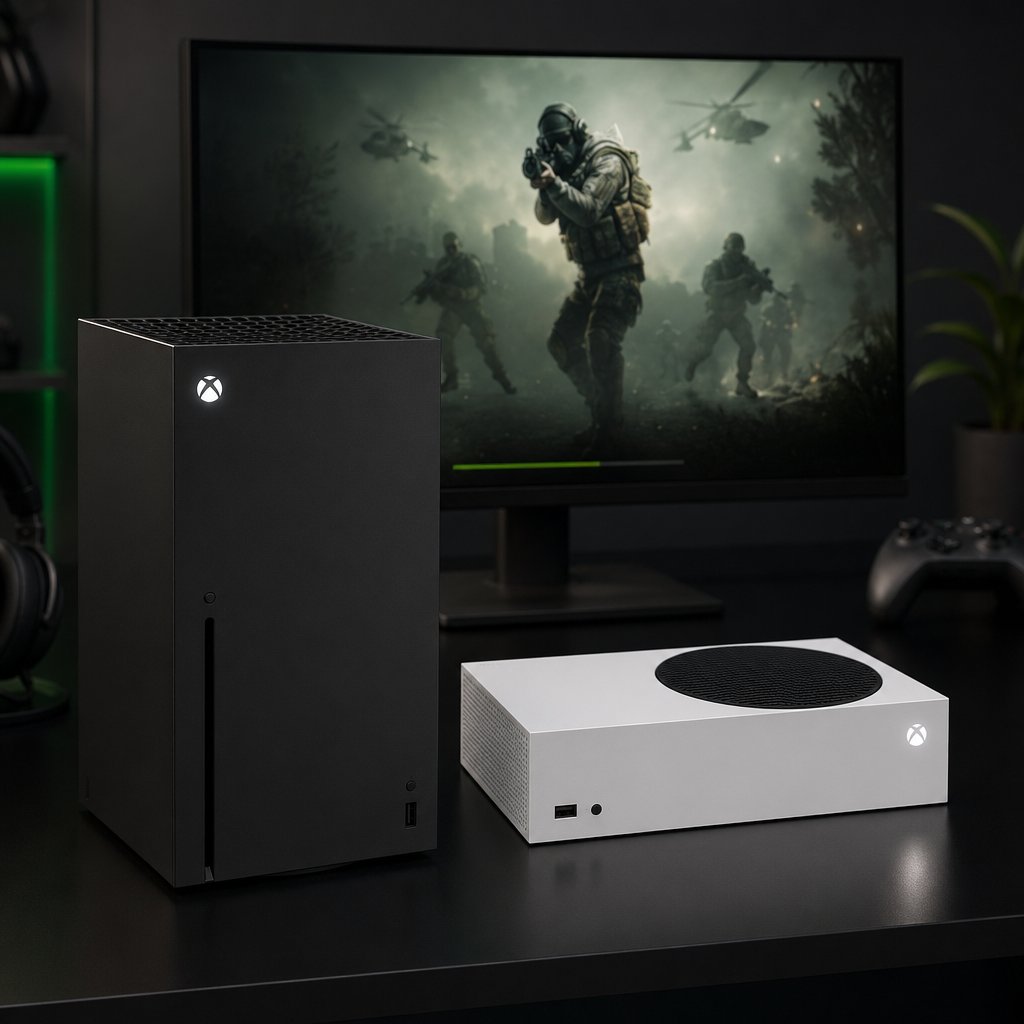
Which Xbox consoles can run Delta Force
The Microsoft Store listing is unambiguous here. Under the "Play with" section, only Xbox Series X|S appears. The game also carries the "Optimized for Xbox Series X|S" badge, which means it was built to take advantage of current-gen hardware rather than being a backward-compatible port. Both the Delta Force Xbox Series X and Series S versions are covered under a single free-to-play download.
What Xbox One users need to know
There is no Xbox One version listed on the Microsoft Store, the official Delta Force site, or the Xbox Wire announcement. None of these sources reference Xbox One support in any form, whether current, planned, or under consideration. So if you are wondering "is delta force on xbox one" or "can you play delta force on xbox one," the straightforward answer is no, not based on anything officially published.
It is worth being direct about this rather than vague. Some articles hedge with phrases like "Xbox One support has not been confirmed yet," which implies it might arrive later. Nothing in the developer's public communications supports that reading. The game targets current-gen consoles only.
Quick compatibility checklist
Before you search the store or start a download, run through this list to avoid wasted time:
- Console generation: You need an Xbox Series X or Xbox Series S. No older hardware qualifies.
- Storefront label: The listing should display "Optimized for Xbox Series X|S" and show "Free" or "Free+" as the price.
- Download eligibility: If the "Get" or "Install" button appears on the product page, your console meets the requirements. If it does not, you are likely viewing the page from an unsupported device.
- Region: The store page is live in the US storefront. If you are in a different region, verify availability by checking your local Microsoft Store directly, since rollout timing can vary.
- Storage: Confirm you have enough free space before starting the download. The install size is visible on the product page under game details.
Compatibility is a pass-or-fail check, not a spectrum. Either your console is a Series X or Series S and you can play, or it is not and you cannot. There is no workaround, no streaming fallback specific to this title, and no announced plan to change that.
With the hardware question settled, the next practical step is actually locating the game on the Xbox Store and getting it installed without running into common free-to-play mix-ups.
How to find and install Delta Force on the Xbox Store
Finding the game takes about thirty seconds if you know exactly what to search for. Getting tripped up usually happens when players assume a free-to-play title requires a purchase step, or when they land on an add-on page instead of the base game. Here is the cleanest path from your Xbox home screen to a running install.
How to locate Delta Force on Xbox
- From your Xbox Series X or Series S home screen, open the Microsoft Store app. You can find it pinned to your dashboard or under "My games & apps."
- Use the search bar at the top and type "Delta Force." The base game should appear near the top of the results, published by TiMi Studio Group. Look for the listing that shows "Free+" as the price, not one of the individual Delta Coins add-on packs.
- Select the Delta Force product tile to open the full store page. Confirm two things before going further: the "Play with" section should list Xbox Series X|S, and the price should read "Free+" (the plus sign indicates optional in-app purchases exist, not that you need to pay anything upfront).
- Hit the "Get" or "Install" button. Because the game is free to play, there is no checkout screen and no payment method required for the base download. The install will begin immediately.
- Clear enough storage beforehand. The download weighs in at roughly 97.84 GB on Xbox Series X|S, so make sure your internal drive or expansion card has room.
- Once the download finishes, launch the game from your library. You may be prompted to accept terms of service or connect to the game's online servers on first boot. The Xbox Store page notes that publishers receive access to your Xbox profile information while you play, which is standard for online multiplayer titles.
That is the entire process. No redemption code, no Game Pass subscription requirement, and no hidden paywall blocking the core experience.
Why free-to-play access trips people up
A surprisingly common question is "is Delta Force free on Xbox, or do I still need to buy something first?" The confusion usually comes from one of two places. First, the Delta Force Xbox Store page lists several paid add-ons, including Delta Coins bundles ranging from $0.99 to $99.99 and cosmetic packs like the Gokenin Bundle or Bulletproof pack. Scrolling past those listings can make it look like the game has a price tag when it does not. Second, some players assume that because the game is not part of Xbox Game Pass, it must cost money. It does not. Free-to-play titles on Xbox exist independently of any subscription service.
The "Free+" label on the store page is Microsoft's way of saying: you can download and play Delta Force on Xbox without spending a cent, but optional purchases are available inside the game. All three core modes, Warfare, Operations, and the Black Hawk Down campaign, are included in that free download. The developer has also stated a commitment to no pay-to-win mechanics, so spending money is entirely cosmetic or convenience-driven.
Account linking and progression syncing
If you have already been playing Delta Force on PC or mobile, the official Delta Force site provides instructions for syncing your progression to console. This typically involves linking your existing account through the game's in-app settings after your first launch on Xbox. Players starting fresh on console can skip this step entirely, since a new profile is created automatically.
Beyond the storefront details, one of the bigger decisions for anyone who also owns a PC or PlayStation is whether Xbox is the right platform to commit to, especially when cross-play and progression sharing enter the picture.

Is Delta Force cross platform?
Owning the right console is only half the equation. If your squad is split across Xbox, PC, and PlayStation, the real question becomes whether you can actually play together and whether your progress follows you between devices.
Platform matrix for Xbox and beyond
Rather than piecing together scattered details from multiple pages, here is every officially referenced platform in one view. If you have been wondering "is delta force on ps5" or checking whether mobile players can join your Xbox lobby, this table covers it.

Anyone still searching "is delta force coming to ps5" can stop: the PS5 version launched alongside Xbox on August 19, 2025. And for those asking is delta force on ps4, the answer mirrors Xbox One. Neither last-gen console is supported.
Cross-play: what is confirmed and what is not
Delta Force supports cross-play between PS5, Xbox Series X|S, and PC. Console players get a toggle under Settings > Game that lets them restrict matchmaking to other console users only, which is useful if you would rather avoid PC lobbies. PC players do not have this toggle and will always land in mixed pools.
One caveat worth flagging: some Xbox players have reported that the cross-play toggle was not appearing for them shortly after launch. This is likely a bug rather than a design choice, and it may already be resolved by the time you read this. Check your in-game settings to confirm.
Mobile is the clear outlier. iOS and Android players exist in their own matchmaking ecosystem and cannot join console or PC lobbies at all.
Cross-progression: powerful but easy to break
Progress sharing across every platform runs through a Level Infinite Pass (LIPASS) account. Link it on your very first console boot and your unlocks, skins, and Operator progress carry over from PC or mobile seamlessly. Skip that step, though, and your console account gets permanently locked to that device with no way to merge it later. That is not a soft warning. It is a one-shot decision, so handle it on day one.
If you have never played Delta Force anywhere else and are starting fresh on Xbox, creating a LIPASS account is still worth doing. It costs nothing and keeps the door open if you ever want to pick up the game on another platform down the road.
Platform parity and cross-play paint a clear picture of where you can play and with whom. What they do not tell you is whether the game itself is worth committing to on Xbox, and that depends on what kind of shooter you are looking for.
What Xbox players should expect from Delta Force gameplay
Delta Force is not one thing. It is a free-to-play military shooter that splits into three distinct pillars, each attracting a different kind of player. If you are browsing new shooting games on Xbox and wondering whether this one fits your style, the delta force game modes are the deciding factor, not the price tag.
What kind of shooter Delta Force is
At its core, Delta Force is a delta force extraction shooter and large-scale multiplayer hybrid rolled into one package. The extraction side, called Operations, plays like a high-stakes PvPvE sandbox. You drop into a map, loot gear, complete objectives, and try to get out alive. Die, and you lose almost everything you carried in. That risk-reward loop is what defines the extraction shooter xbox experience and separates it from standard respawn-based shooters.
The multiplayer side, labeled Warfare, feels closer to Battlefield. Think large maps, vehicles, and objective-based team fights across modes like Attack and Defend and King of the Hill. A separate Black Hawk Down campaign rounds things out with a story mode you can play solo or in co-op, though it requires an additional 28 GB download.
Why game modes matter for Xbox players
Your preferred mode shapes whether Xbox is the right home for your delta force hawk ops gameplay. Here is a quick breakdown:
- Operations (Hazard Operation, Operation Blackout, Hot Zone): Best for players who enjoy tactical looting, squad coordination, and persistent gear progression. Controller aim matters less than positioning and decision-making.
- Warfare (Attack and Defend, King of the Hill, Blitz, Victory Unite): Best for players who want large-scale firefights with vehicles and respawns. Feels natural on a controller and rewards aggressive teamwork.
- Black Hawk Down (campaign): Best for solo players or co-op duos who want a narrative experience before diving into multiplayer.
If you are still asking "is delta force an extraction shooter," the answer is yes, but not exclusively. The Warfare modes give it a completely different personality, and having both under one free download is unusual for the genre.
Who the platform decision matters most to
Players who plan to live in Operations mode should weigh cross-progression carefully, since gear and unlocks carry real value across sessions. Warfare-focused players can jump in more casually without worrying about inventory loss. Either way, how to play Delta Force on Xbox is identical to other platforms mechanically. The modes, maps, and progression systems are the same. The only variable is your input preference and whether your friends are on the same platform.
Knowing what the game actually offers is useful context, but it does not answer the next logical question: what does "free to play" really mean once you are inside the game, and where does optional spending start?
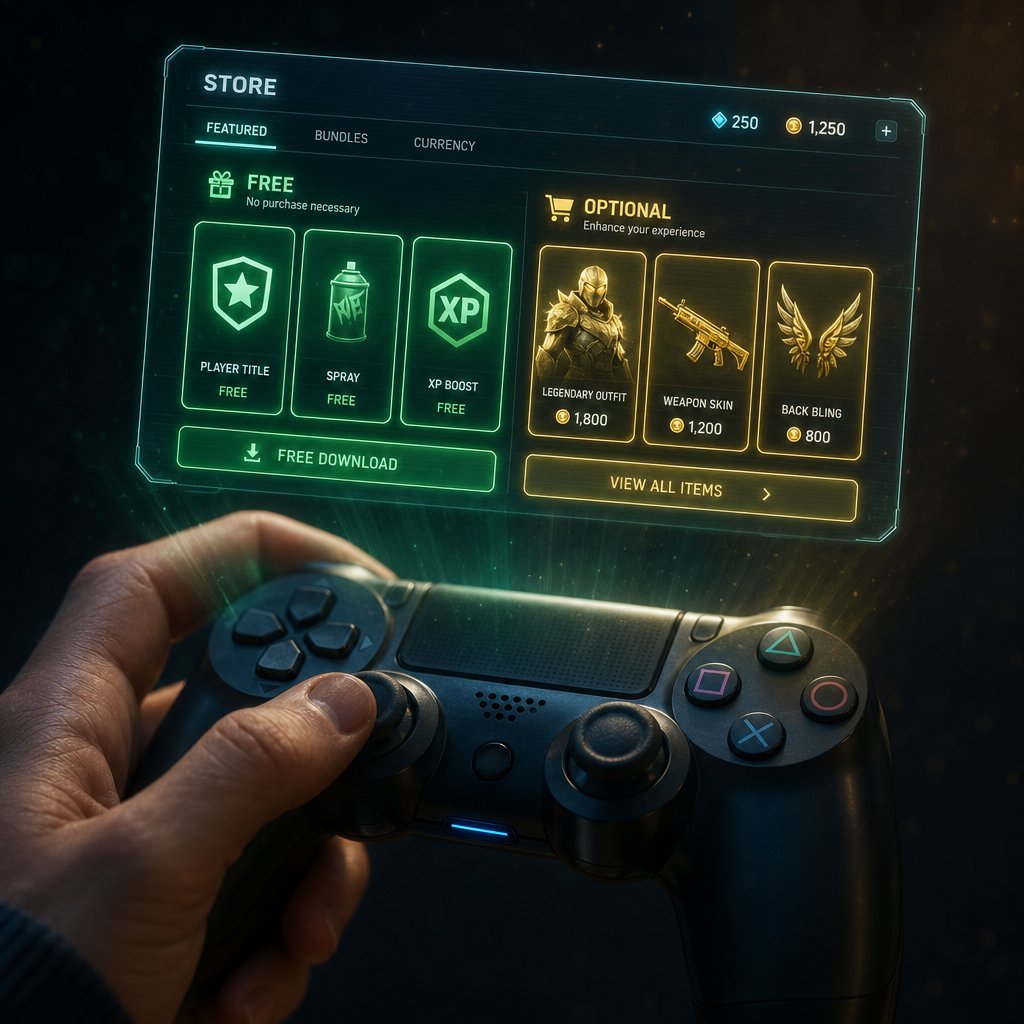
Free access versus optional spending on Delta Force Xbox
Downloading Delta Force costs nothing. Playing it costs nothing. But the game has a layered economy inside, and confusing "free to download" with "everything is free" leads to frustration fast.
What buying options actually mean
Delta Force runs on multiple currencies. Delta Coins are the primary paid currency, purchased with real money at roughly 60 coins per dollar, with better rates on larger bundles. Delta Tickets work similarly but are earned through in-game market transactions and Season Pass rewards rather than your wallet. Mandelbricks function as cosmetic loot boxes, and Tekniq Alloys power the Operations mode economy. None of these affect whether you can access the core game modes.
The buying options for Delta Force: Hawk Ops boil down to cosmetics, Season Pass tiers, and convenience items. Delta force prices on the Xbox Store range from $0.99 Delta Coins packs up to $99.99 bundles, but every weapon, map, and mode ships with the free download. The developer has committed to avoiding pay-to-win mechanics, so spending is a choice, never a requirement.
One common mix-up worth clearing: is Delta Force on Xbox Game Pass? No. The game is free to play independently of any subscription. You do not need Game Pass to download or play it, and having Game Pass does not unlock any additional in-game content.
Useful resources after installation
Once you have confirmed Xbox availability and started playing, these resources help if you decide to explore optional purchases or dig deeper into progression:
- VeloxGame Delta Force Top Up — a convenient route for Credits, cosmetics, equipment, and battle pass purchases
- Xbox Store Delta Force page — for browsing official add-on packs and Delta Coins bundles directly
- PlayDeltaForce.com — the developer's hub for patch notes, roadmaps, and account support
Platform access always comes first. Optional spending is exactly that: optional, and only relevant after you are already in the game and know what you want. The smarter move is to play a few sessions, figure out which modes stick, and then decide whether any purchase actually improves your experience.
What to confirm before you jump in
You have the full picture. All that is left is a quick pre-flight check so nothing catches you off guard between hitting "Get" and dropping into your first match.
Final decision checklist
- Visit the Delta Force Xbox Store page directly. If the listing shows "Free+" and an "Install" button, the game is live in your region right now.
- Confirm your console is an Xbox Series X or Series S. Xbox One is not supported, and no announcement has changed that.
- Verify you have roughly 98 GB of free storage before starting the download.
- On first launch, link or create a LIPASS account if you want cross-progression. This is a one-time, irreversible step.
- Check your in-game settings for the cross-play toggle if you prefer console-only matchmaking.
- Explore the free modes first. Optional spending through the Xbox Store or services like VeloxGame Delta Force Top Up only matters after you know which modes you enjoy.
Official pages to check before installing
Bookmark these two and ignore everything else when verifying availability:
- Xbox / Microsoft Store listing — real-time proof of download eligibility and pricing
- PlayDeltaForce.com — developer roadmaps, patch notes, and account support
Trust the current Xbox Store page and official game-site wording over recycled headlines. If a source does not link to one of those two destinations, treat its claims as unverified.
What to do after you confirm availability
If you landed here asking "is delta force coming to xbox" or "is delta force coming to console," the answer is already settled: it arrived on August 19, 2025, and it is free. Anyone still wondering when will delta force be on console can stop waiting. The same goes for the broader question of will delta force be on console — Xbox Series X|S and PS5 are both live.
Download it, run through a few Operations or Warfare rounds, and decide from there whether the game earns a permanent spot on your drive. Everything after that, from cosmetics to battle passes, is a choice you make on your own terms.
Frequently Asked Questions About Delta Force on Xbox
1. Is Delta Force free to play on Xbox?
Delta Force is completely free to download and play on Xbox Series X and Series S. The Microsoft Store lists it as "Free+" which means the base game, including all three core modes (Warfare, Operations, and the Black Hawk Down campaign), costs nothing. The plus sign simply indicates that optional in-app purchases like Delta Coins, cosmetic bundles, and Season Pass tiers exist inside the game. No Xbox Game Pass subscription is required either. You can start playing the moment the download finishes without entering any payment information. If you later decide to invest in cosmetics or battle pass content, services like VELOX Delta Force Top Up offer a convenient way to purchase Credits and other in-game items.
2. Can you play Delta Force on Xbox One?
No. Delta Force is only available on Xbox Series X and Xbox Series S. The Microsoft Store listing, the official Delta Force website, and the Xbox Wire announcement all confirm current-gen exclusivity with no mention of Xbox One support in any form. The game carries the "Optimized for Xbox Series X|S" badge, meaning it was built specifically for current-generation hardware rather than being a backward-compatible port. There are no official statements suggesting Xbox One support is planned or under consideration, so upgrading to a Series X or Series S is the only path to playing on Xbox.
3. Does Delta Force support cross-play between Xbox, PC, and PlayStation?
Yes, Delta Force supports full cross-play between Xbox Series X|S, PlayStation 5, and PC. Console players on Xbox and PS5 can toggle cross-play on or off through the in-game settings menu under Settings > Game, which lets them restrict matchmaking to console-only lobbies if they prefer to avoid PC players. PC players are always placed in mixed pools and do not have this toggle. Mobile versions of Delta Force on iOS and Android operate in a completely separate matchmaking ecosystem and cannot join console or PC lobbies. Cross-progression is also available across all platforms through a Level Infinite Pass (LIPASS) account, but it must be linked on your very first console launch to avoid permanently locking your progress to a single device.
4. How much storage space does Delta Force need on Xbox?
The base Delta Force download requires approximately 97.84 GB of storage on Xbox Series X|S. If you also want to play the Black Hawk Down single-player and co-op campaign, that adds roughly another 28 GB as a separate download. Before starting the installation, check your available space on the console's internal SSD or a compatible expansion card. The exact install size is always visible on the Delta Force product page in the Microsoft Store under the game details section, so verify there before hitting the Install button to avoid interrupted downloads.
5. Is Delta Force on Xbox Game Pass?
No, Delta Force is not part of Xbox Game Pass and does not require any subscription to access. Because the game is independently free to play, it sits outside the Game Pass library entirely. Having an active Game Pass subscription does not unlock any additional in-game content or bonuses for Delta Force. You simply visit the Microsoft Store, search for Delta Force, and hit the Get button to start downloading at no cost. Once you are playing and want to explore optional purchases like Credits, cosmetics, or battle pass upgrades, you can browse add-ons directly on the Xbox Store or use third-party top-up services like VELOX for a streamlined purchasing experience.





