


Yes, Valorant Is on PS5 and Here Is What That Means
The Short Answer for PS5 Players
If you have been wondering whether Valorant is on PS5, the answer is a clear yes. Riot Games' tactical 5v5 shooter is fully available on PlayStation 5 as a free-to-play title. You can download it right now from the PlayStation Store, jump into matches, and never spend a dime if you choose not to. No PlayStation Plus subscription required.
That alone makes it one of the most accessible competitive shooters on the platform. But there is a lot more to the PS5 version than just availability, and scattered details across official sources can make it hard to get the full picture. This guide pulls everything together in one place: performance specifics, crossplay details, controls, account linking, and more.
From PC Exclusive to Console Contender
For anyone curious about when Valorant came out on console, the path was gradual. Riot Games originally launched Valorant as a PC-exclusive title, and it quickly carved out a massive competitive following. The game built its reputation on precise gunplay, creative Agent abilities, and a tactical depth that rewarded teamwork over raw reflexes.
Console players waited a long time. Riot eventually announced a limited beta for PS5 that kicked off in mid-June, initially rolling out to the United States, Canada, parts of Europe, and Japan. After months of testing, feedback, and refinement, the full console version launched later that summer. Riot focused exclusively on current-gen hardware, specifically PS5 and Xbox Series X|S, to maintain the quality bar they set on PC.
Valorant is free to download and play on PS5 through the PlayStation Store, with no PlayStation Plus subscription needed for online multiplayer.
The console release also introduced valorant crossplay between PlayStation and Xbox, though the relationship between console and PC lobbies works differently. Is Valorant cross platform in every sense? Not exactly, and the details matter, especially if you are coming from the PC side or plan to play with friends on other systems.
Getting the game onto your PS5 is straightforward, but a few setup steps and decisions can shape your experience from the start.
How to Download and Install Valorant on PS5
The entire setup process takes just a few minutes, but knowing what to expect ahead of time saves you from running into storage issues or account hiccups mid-install. Valorant is free to download, and the PlayStation Store makes finding it simple. Here is exactly how to go from zero to ready-to-queue.
How to Download Valorant from the PlayStation Store
There is no disc to buy and no paywall to clear. Valorant is listed as a free-to-play title on the PlayStation Store, so the download costs nothing. Follow these steps to get it installed:
- From your PS5 home screen, open the PlayStation Store.
- Use the search bar to type "Valorant" and select the game from the results.
- On the game's store page, click Download (you will see it listed as "Free" rather than showing a price).
- Wait for the download and installation to complete. The game will appear in your library once it is ready.
- Launch Valorant from your game library and let it apply any additional updates before your first match.
A quick note on storage: the initial download typically lands around 26 to 30 GB, but patches and content updates can push that number higher over time. To avoid a failed install partway through, it is a good idea to have at least 50 to 60 GB of free space before you start. If you want the exact current size, check the Valorant listing in the PlayStation Store right before downloading, since the number shifts with each major update.
One thing worth mentioning for players who also own a PS4: Valorant is not available on PS4. Riot Games built the console version exclusively for current-gen hardware, meaning PS5 and Xbox Series X|S only. There is no backward-compatible version and no plans for one, so older PlayStation consoles are out of the picture.
Do You Need PlayStation Plus to Play
This is one of the most common questions around the console version, and the answer is straightforward. No, you do not need PlayStation Plus to play Valorant online. Sony's policy allows free-to-play games to offer online multiplayer without requiring a PS Plus subscription, and Valorant falls squarely into that category. The official PlayStation listing confirms this directly in its FAQ section.
So whether you are jumping into unranked, competitive, Deathmatch, or Spike Rush, you can do it all without an active subscription. The only thing you need is an internet connection and a free Riot Games account.
Speaking of which, the Riot account step is where some new players get tripped up. After launching Valorant for the first time, the game will prompt you to either sign in with an existing Riot account or create a new one. If you have ever played League of Legends, Teamfight Tactics, or 2XKO, you already have a Riot account and can use those same credentials. For brand-new players, account creation happens right on screen and only takes a moment.
Once your Riot account is linked to your PlayStation Network profile, you are set. This link also opens the door to cross-progression, meaning your skins, agents, rank, and account level can carry over if you ever play on another platform. For anyone wondering how to gift in Valorant, gifting features are tied to the in-game store and your Riot account rather than the PlayStation Store itself, so having that account properly set up is the first step toward sending or receiving gifts down the line.
With the game installed and your account ready, the real question becomes how well Valorant actually runs on PS5 hardware and whether the DualSense controller adds anything meaningful to a game built for mouse and keyboard precision.
PS5 Performance and DualSense Features Explained
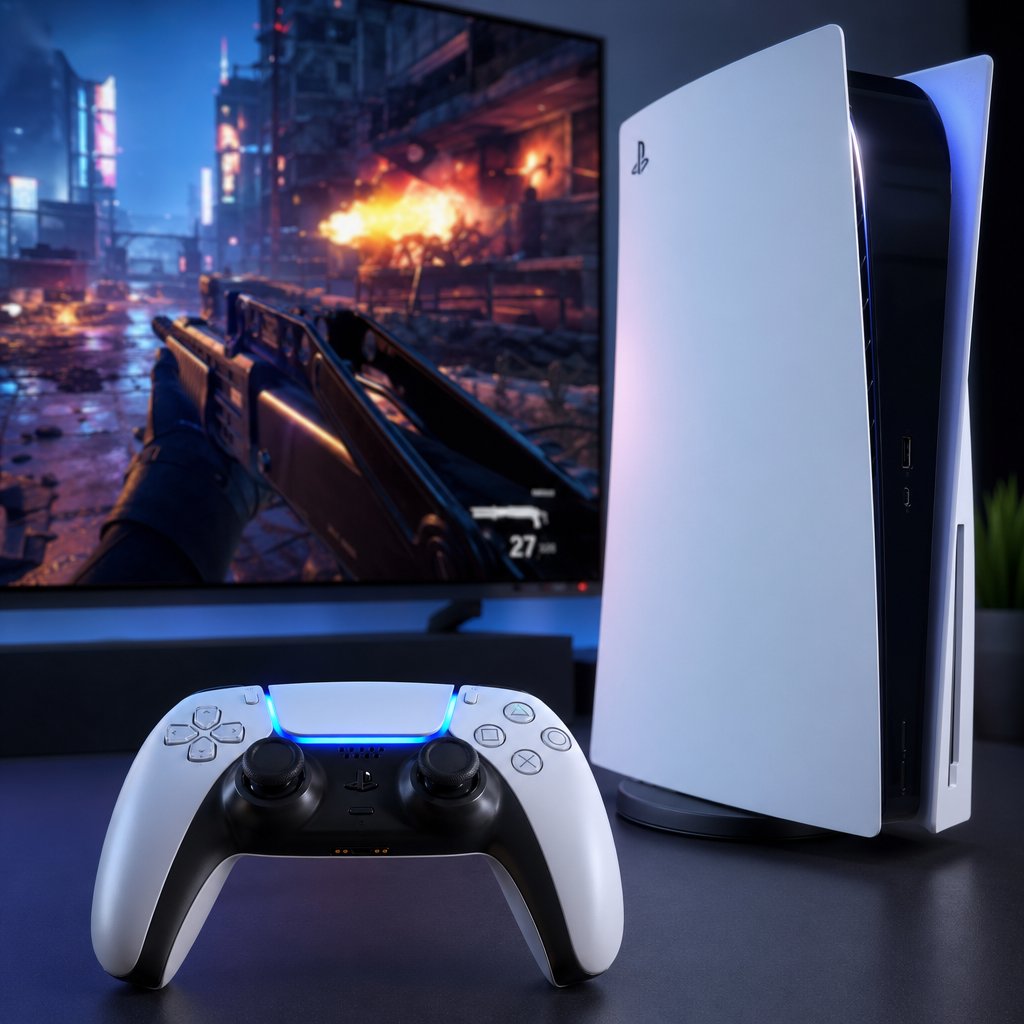
Raw specs matter in a tactical shooter. Every dropped frame during a spike plant or a tight clutch round can cost you the match. Riot Games clearly understood this when building the console version, because Valorant on PS5 runs better than most players expect from a free-to-play port.
Resolution and Frame Rate on PS5
Valorant offers two graphics modes on PS5. The Standard mode renders at a native 4K resolution (2160p) with a locked 60 fps target. For players who prioritize smoothness over pixel count, the High Frame Rate mode keeps that same native 4K resolution while pushing the target up to 120 fps on displays that support it.
That second option is the one competitive players will gravitate toward. A 120 fps target at native 4K is genuinely impressive for a free-to-play title, and it puts the PS5 version on par with the Xbox Series X in terms of raw output. There are occasional dips below the 120 fps ceiling, but enabling VRR (Variable Refresh Rate) on a compatible display smooths those out to the point where they are barely noticeable during gameplay.
Graphical settings across both modes, including texture quality, shadows, anisotropic filtering, and ambient occlusion, are largely identical. Riot did not cut visual corners to hit those frame rate targets. For PC players considering the move to console, the visual fidelity holds up well, even if you lose the granular settings menu that the desktop version offers.
Loading times also benefit from the PS5's SSD. Map loads and match restarts happen noticeably faster than on a mid-range PC with a traditional hard drive, and even compared to a solid-state equipped desktop, the difference is minimal. Getting from the menu into a match feels snappy, which matters when you are queuing game after game.
DualSense Haptic Feedback and Adaptive Triggers
This is where expectations need a reality check. The DualSense controller is famous for its haptic feedback and adaptive trigger resistance in games like Astro Bot and Returnal, but Valorant takes a more restrained approach. Riot's priority was competitive fairness, not sensory immersion.
Haptic feedback is present but subtle. You will feel light vibrations during gunfire, ability usage, and environmental interactions, though the effect is toned down compared to single-player showcases. The reasoning is practical: in a game where audio cues and split-second reactions decide rounds, aggressive haptics could become a distraction rather than an advantage.
Adaptive trigger resistance follows the same philosophy. There is no heavy pull simulating a sniper rifle's trigger weight or variable tension across different weapon categories. The triggers feel consistent regardless of whether you are firing a Vandal or a Sheriff, keeping the mechanical feel uniform so muscle memory transfers cleanly between weapons.
One notable absence is gyro aiming. Despite the DualSense's built-in gyroscope, Riot confirmed that gyro aim is not supported on PS5 in order to maintain parity with the Xbox version, which lacks the feature. This decision disappointed some players, especially those coming from other shooters that leverage motion controls for finer aim adjustments. For now, stick-based aiming with the console-exclusive "Focus" mode is the primary input method.
The table below gives a quick snapshot of what the PS5 version delivers across key experience categories:

For PC veterans weighing a switch to console, the performance story is solid. You are not sacrificing visual quality or responsiveness. The trade-off lives in the input method, and that is exactly where Valorant's controller layout, aim assist system, and competitive ranked structure come into play.
Crossplay on PS5 and How It Works Across Platforms
Performance and visuals only tell part of the story. For a lot of players, the real deciding factor is who they can actually play with. Crossplay questions dominate the conversation around the console version, and the answers are not as simple as "yes" or "no." Valorant's crossplay system has clear boundaries, and understanding them upfront saves you from inviting a friend to a party only to discover you cannot queue together.
PS5 and Xbox Crossplay
Console-to-console crossplay is fully supported. If you are on PS5 and your friend is on Xbox Series X or Series S, you can party up and matchmake together without any restrictions. This applies across every game mode, including unrated, competitive, Spike Rush, Deathmatch, and any limited-time modes Riot rolls out.
Matchmaking treats PS5 and Xbox players as part of the same console pool. There is no toggle you need to flip on the PlayStation side to enable this. It just works out of the box. Xbox players, on the other hand, do need to make sure their first-party crossplay setting is enabled in their Xbox system settings, in addition to the in-game toggle. If an Xbox friend cannot join your lobby, that missing system-level setting is almost always the culprit.
One important caveat: crossplay only works within the same region. A PS5 player in North America cannot party up with an Xbox player in Europe, regardless of platform. Riot enforces regional boundaries to keep latency manageable and matchmaking fair. The supported regions for the console version are NA, EU, JP, and BR, and your region is determined by your Riot account, not your physical location or PSN region.
Can PS5 Players Play with PC
This is the question that comes up most often, especially from groups split between console and desktop. The short answer: no. Valorant does not support crossplay between console and PC. PS5 players are matched exclusively against other console players, and PC players stay in their own separate lobbies. There is no opt-in system, no party-based workaround, and no setting buried in a menu that bridges the two pools.
Riot's reasoning comes down to competitive integrity. Mouse and keyboard input offers a precision advantage that aim assist cannot fully offset, and mixing the two input types in the same match would create an uneven playing field. Unlike some other shooters that let console and PC players queue together at the cost of balance, Riot drew a hard line. Can Valorant console play with PC? Not in any mode, not in any region.
This separation extends to ranked as well. Console players have their own ranked ladder with its own MMR, completely independent from the PC competitive ecosystem. Your Diamond rank on PS5 exists in a different universe from a Diamond rank on PC. If you play on both platforms using the same Riot account, you will maintain two separate competitive ratings.
For PC players considering a move to PS5, this is worth thinking through. Your game knowledge, map awareness, and ability usage all transfer. Your aim, muscle memory, and rank do not. You are starting fresh on the competitive ladder, and you will be playing against a console-only population that has adapted to controller input in its own way.
The table below breaks down exactly what to expect across different crossplay scenarios:

It is also worth noting that cross-progression still works even though crossplay between console and PC does not. Your account level, VP balance, unlocked agents, weapon skins, and battle pass progress all carry over between platforms through your linked Riot account. You just cannot be in the same match as someone on a different platform type.
For anyone still wondering whether you can play Valorant on PS4, the answer remains no. The console version requires PS5 or Xbox Series X|S hardware. There is no last-gen support and no announced plans to add it.
Crossplay boundaries shape who you are competing against, but they do not change how the game feels in your hands. The controller layout, aim assist tuning, and ranked structure on console all deserve their own deep look, especially if you are coming from the precision of a mouse and keyboard setup.
Controls, Aim Assist, and Competitive Play on PS5
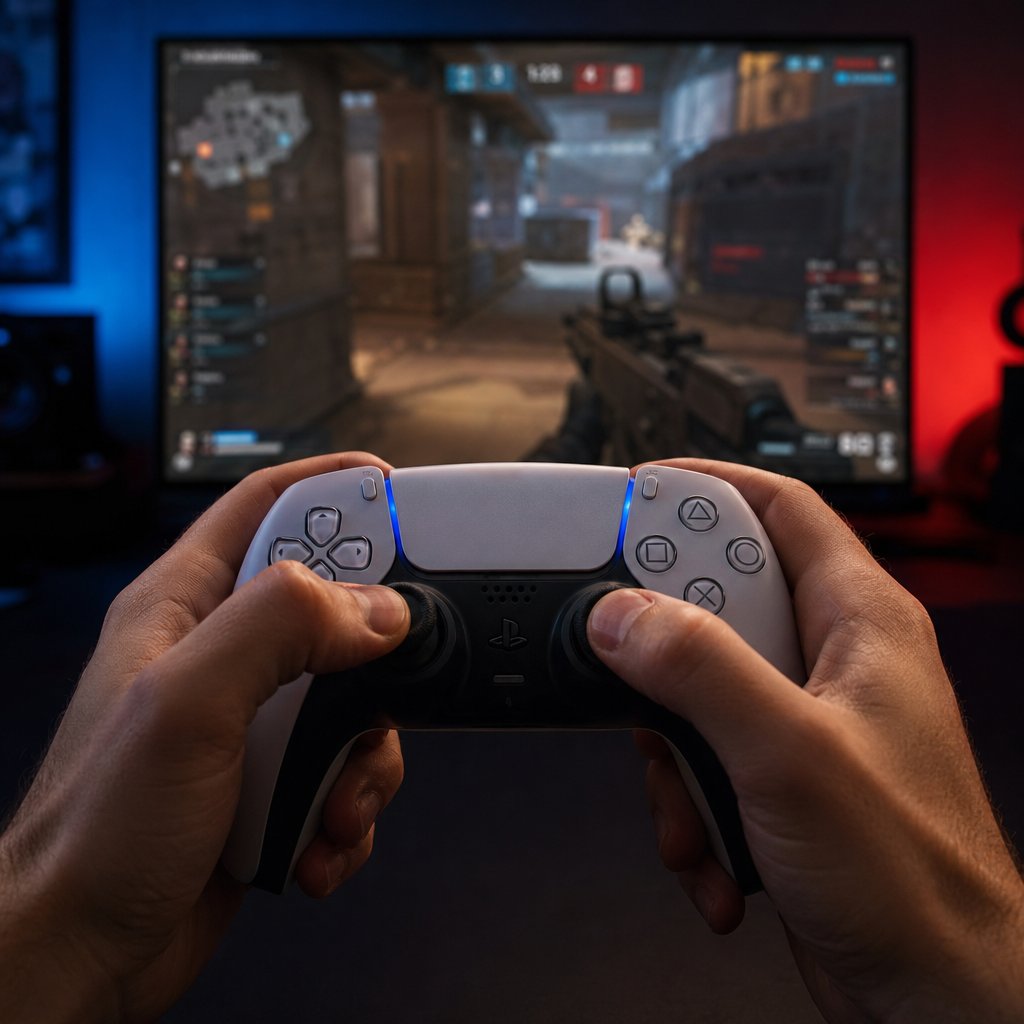
Valorant was designed around a mouse and keyboard. Every ability keybind, every micro-adjustment during a spray transfer, every pixel-perfect crosshair placement assumed you had a full keyboard under your left hand and a mouse gliding across a pad. Translating that to a DualSense controller with two thumbsticks and a handful of buttons is not a trivial problem, and how well Riot solved it determines whether the console version feels like a real competitive experience or a watered-down port.
Controller Layout and Ability Mapping
On PC, agents have four abilities mapped to individual keys, typically C, Q, E, and X for the ultimate. You also have separate binds for primary fire, alternate fire, reload, crouch, jump, weapon switching, and the spike. That is a lot of inputs. A DualSense controller has far fewer buttons to work with, so Riot had to get creative with how everything fits together.
The solution is a set of four preset layouts, each designed around a different playstyle. Rather than forcing every player into a single control scheme, Riot built options that shift ability and combat binds to match how you approach the game:
- Traditional — The most straightforward layout, mirroring a classic console shooter feel. Abilities sit on the shoulder buttons and d-pad, with shooting on the triggers. Best for players transitioning from other console FPS titles or those who want a balanced, no-surprises setup.
- Fighter — Prioritizes quick movement and firing for aggressive players. Key combat actions are mapped for minimal finger travel, making it easier to shoot and reposition in close-quarters fights. If you main Duelists like Jett or Raze, this one is worth trying first.
- Tactician — Built for strategic players who lean on abilities more than raw gunplay. Sentinel and Controller mains will appreciate how this layout keeps utility activation accessible without pulling your thumbs off the sticks at critical moments.
- Bumper Shooter — Moves primary fire to a bumper instead of the trigger, which can improve reaction time for players who find trigger pulls too slow. Particularly useful for Operator users and anyone who values precision over spray-heavy engagements.
None of these presets are locked in stone. Valorant on console lets you remap individual buttons to your liking, so if the Tactician layout is almost perfect but you want to swap one bind, you can. Riot also recommends jumping into a practice match after any changes to build muscle memory before heading into a real game.
One question that comes up constantly from the average valorant player on PC thinking about trying the console version: can you use mouse and keyboard on PS5? The answer is a firm no. Riot's official console guide states that keyboard and mouse are not supported, and attempts to use them through spoofing devices will result in a ban. The console version is built exclusively around controller input, and Riot enforces that boundary to keep the competitive environment fair for everyone in the lobby.
Third-party controllers are also unsupported. You can try them, but if something breaks, Riot will not help you troubleshoot. The DualSense is the intended input device, and the entire control scheme is tuned around its button layout and stick response curves.
Here are the key control differences that stand out when moving from PC to PS5:
- Ability activation — PC players tap a single key per ability. On controller, some abilities require a button combination or are accessed through a radial menu, adding a small layer of input complexity during fast-paced rounds.
- Movement precision — WASD gives you binary directional input (you are either moving or you are not). Thumbsticks offer analog movement, which sounds like an advantage but actually makes counter-strafing, a core Valorant mechanic, harder to execute cleanly.
- Weapon switching — PC players can bind each weapon slot to a dedicated key. On controller, cycling through weapons uses a single button or d-pad input, which can cost a fraction of a second during clutch moments.
- Communication — Voice chat works the same way, but pinging and callouts that PC players handle with quick keybinds require navigating a wheel on controller, slowing down tactical communication slightly.
- Focus Mode — A console-exclusive feature that replaces the precision of a mouse flick. Pressing L2 zooms in slightly and slows your aim sensitivity, giving you finer control for long-range engagements. There is no PC equivalent because mouse users do not need it.
Aim Assist Settings and Competitive Ranked Play
Aim assist in a tactical shooter is a delicate balancing act. Too much and the game plays itself. Too little and controller players cannot compete at all. Riot landed somewhere in the middle, and the system they built has two distinct components working together.
The first is aim magnetism. When your crosshair passes near an enemy, it subtly pulls toward the target. This is not a snap-to or auto-lock. It is a gentle nudge that helps you stay closer to the hitbox without overriding your stick input. You still need to do the work of tracking and flicking, but the game gives you a small margin of error that partially compensates for the inherent imprecision of thumbstick aiming.
The second is aim correction. This feature makes micro-adjustments when your crosshair is already close to a target, helping you stay on the enemy's hitbox during sustained fire or at longer distances. Combined with aim magnetism, it creates a system where your shots land more consistently without ever feeling like the game is aiming for you.
On top of both, there is Focus Mode, activated by pressing L2. It zooms in slightly and reduces your aim sensitivity, functioning almost like a soft ADS (aim down sights) for weapons that do not have a scope. It is especially useful for holding long angles or taking precise duels at range. Think of it as the console answer to the fine motor control a mouse provides. Riot designed Focus Mode specifically to complement the aim assist system rather than replace it, giving players an additional tool for moments that demand extra precision.
Even with all of this in place, controller aiming cannot fully match the speed and accuracy of a mouse. Riot acknowledged this gap directly by keeping console and PC players in completely separate matchmaking pools. There is no scenario where a PS5 player with aim assist faces a PC player with a mouse. That separation is the foundation of competitive integrity on console.
Speaking of competition, ranked mode is fully available on PS5. You can grind through the same tier structure, from Iron through Radiant, that PC players know. The critical difference is that your console rank and MMR are entirely independent from your PC rank, even if you use the same Riot account on both platforms. A Platinum player on PC could place Silver on console or vice versa. The two ladders exist in parallel, reflecting the different skill curves of each input method.
Since the game has been on console long enough for the ranked ecosystem to mature, the competitive feel has developed its own identity. Gunfights play out slightly differently when everyone is on a controller. Reaction times on wide peeks are a touch slower, utility usage carries even more weight because raw aim cannot bail you out as easily, and positioning becomes arguably more important than it is on PC. Community discussions among console players frequently highlight how the meta leans harder toward agents with strong utility kits, since mechanical aim advantages are compressed when everyone shares the same input limitations.
For anyone who played during the valorant beta on PC and is curious how long Valorant has been out on console, the competitive scene is still relatively young compared to the desktop version. Ranked queues are healthy, matchmaking times are reasonable, and the player base continues to grow. The console ladder does not yet have the same depth at the highest ranks that PC enjoys, but for the vast majority of players, the competitive experience is solid and getting better with each act.
Controls and competition define how the game feels round to round, but there is a practical layer underneath all of it that affects your experience before you ever queue up. Linking your Riot account to your PlayStation Network profile, understanding what transfers between platforms, and knowing which regions have access are all details that shape your setup from day one.

Account Linking and Regional Availability on PS5
Your Riot account is the thread that ties everything together across platforms. Whether you have years of PC progress or you are brand new to Valorant, how you handle the account linking step determines what you walk into on PS5. Get it right and your entire collection follows you. Get it wrong and you could end up starting from scratch on a throwaway account with no way to undo the link easily.
Linking Your Riot Account to PlayStation Network
The first time you launch Valorant on PS5, the game prompts you to sign into a Riot account. This is where you connect your existing Riot credentials to your PSN profile. If you already play on PC, use the same Riot account you have been using there. Riot's Console Access Guide emphasizes this point directly: use the correct Riot account when linking, because all of your content carries over between PC and console.
That word "all" is doing real work. Unlike some games that only sync a handful of items, Valorant shares a genuinely comprehensive set of data across platforms. Here is what transfers when you link your Riot account to your PSN profile:
- Account level — Your overall player level stays the same on both platforms.
- Currencies — VP (Valorant Points), Kingdom Credits, and Radianite Points all sync. If you have 1,000 VP on PC, you will see 1,000 VP on PS5.
- Recruited agents — Every agent you have unlocked is available on console immediately.
- Weapon skins — Your entire skin collection, including upgrades and variants, carries over.
- Battle Pass ownership and progression — If you bought the current battle pass on PC and reached tier 35, you will be at tier 35 on PS5 too.
- Mission progression — Daily and weekly mission progress syncs, so you are not repeating tasks you already completed.
This is genuine cross-progression, not a watered-down version of it. Purchases you make on one platform show up on the other. Buy a skin bundle from the valo store on PC, and it is waiting for you on PS5 the next time you log in. The same applies in reverse: anything you pick up on console appears on your PC account.
There is one major exception, and it catches people off guard. Ranked progression does not carry over. Your competitive rank and MMR on console are completely separate from your PC rank. You could be Ascendant on desktop and place Gold on PS5, and those two ratings will never influence each other. Riot keeps them independent because the skill curves for mouse-and-keyboard and controller are fundamentally different, and blending the two would distort matchmaking accuracy on both sides.
A few practical tips to avoid common linking mistakes:
- Double-check your Riot account before confirming the link. If you accidentally link a secondary or empty account, unlinking it requires a support ticket and can take time to resolve.
- You can only link one Riot account to one PSN profile at a time. Swapping accounts is not a quick toggle in the settings menu.
- Your Riot account must be in good standing. Any active bans or suspensions at the account or game level will block console access entirely.
For players who do not have an existing Riot account, the game walks you through creating one during the initial setup. The process is fast, and once it is done, your new account is automatically linked to your PSN profile. From there, everything you earn or purchase on PS5 will also be accessible if you ever decide to play on PC later.
One related question that surfaces often: is Valorant on Nintendo Switch? No. The game is only available on PS5, Xbox Series X|S, and PC. Riot has not announced any plans for a Switch version, and given the hardware gap between the Switch and current-gen consoles, it is unlikely to happen without significant compromises. Is Valorant crossplay with PC? Also no, as covered earlier, but the cross-progression system means your account data still flows freely between PC and console even though you cannot share a match lobby.
Regional Availability and Server Access
Not every PS5 owner worldwide can download and play Valorant on console. Riot rolled out the console version in specific regions, and your access depends on where your Riot account is registered rather than where your PlayStation is physically located.
The supported regions for Valorant on console are:
- NA — United States and Canada
- EU — Europe
- JP — Japan
- BR — Brazil
Riot explained the reasoning behind this limited rollout in an official update on console availability. The goal was to launch only in regions where they were confident about maintaining healthy queue times and quality matchmaking. Spreading too thin across every region risked long wait times and uneven match quality, which would undermine the competitive experience Riot is trying to protect.
The practical implication is straightforward: if your Riot account is registered to a region outside of NA, EU, JP, or BR, you will not be able to access the console version even if you download it from a different region's PlayStation Store. Your Riot account region is the gatekeeper, not your PSN region or your IP address.
Can you change your Riot account region to gain access? Technically, Riot does offer a region transfer process, but it is not designed as a workaround for console availability. Changing your region affects your server routing, which directly impacts your ping. A player in Southeast Asia who switches their account to NA will be able to access the console version, but they will be playing on NA servers with potentially hundreds of milliseconds of latency. That is not a competitive experience. It is a slideshow.
Riot has stated that regional expansion is on the table and that they are constantly monitoring other regions for potential console launches. The company framed the current availability as a starting point, not a permanent boundary. For players in unsupported regions, the best course of action is to keep an eye on official Valorant channels for expansion announcements rather than trying to force access through region changes.
Crossplay also respects these regional boundaries. Even within the supported regions, you can only party up with players whose Riot accounts are in the same region as yours. A PS5 player in NA cannot queue with an Xbox player in EU, regardless of platform. Region locks apply to matchmaking across the board.
With your account linked and your region sorted, the day-to-day experience comes down to what Riot delivers after launch. Content updates, new agents, map rotations, and the inevitable bugs that come with a live-service game all shape whether the PS5 version keeps pace with its PC counterpart or falls behind.
Content Updates and Troubleshooting for PS5 Players
A console port that launches strong but falls behind on updates is a dead end. Live-service shooters live or die by their content cadence, and if PS5 players were stuck waiting weeks for agents, maps, or battle passes that PC already had, the platform would bleed its player base fast. Riot clearly understood the stakes here, and the approach they have taken keeps console on equal footing with the desktop version in nearly every way that matters.
Content Updates and Parity with PC
New acts, agents, maps, and battle passes all arrive on PS5 at the same time as PC. There is no staggered rollout and no "console gets it next week" delay. When Riot shipped Patch 12.05 with the new Croatian Controller agent Miks and the start of Act 2, PS5 players had access on the same day as everyone else. The same applied to earlier agent releases, map additions, and seasonal content drops. Riot treats the console version as a simultaneous release target, not an afterthought.
This parity extends to the in-game store. Skin bundles, featured items, and daily rotation offers match what PC players see. If a new bundle like the Blackthorn collection hits the valorant store, it shows up on console at the same time, at the same price, with the same variants and upgrade paths. Your VP balance syncs across platforms too, so there is no scenario where you are looking at a skin on PS5 that you cannot afford because your points are "stuck" on PC.
Patch cadence follows the same rhythm as well. Riot operates on a roughly two-week patch cycle, and console receives each update alongside PC. Balance changes to agents, weapon tuning adjustments, bug fixes, and quality-of-life improvements all land simultaneously. When Patch 12.03 brought Gekko changes and mode updates, or when Patch 12.02 adjusted Harbor and Reyna, PS5 players experienced those shifts in the same matches, on the same day, as their PC counterparts.
There is one area where the experience diverges slightly: platform-specific patches. Occasionally, Riot pushes a small hotfix that addresses a console-only issue, like a controller input bug or a rendering glitch tied to specific hardware. These micro-patches do not affect content parity, but they can require a brief download before you can queue up. They are infrequent and usually small enough that you barely notice them.
For anyone tracking the valorant new act release date or wondering whether PS5 gets left behind during major seasonal transitions, the answer is consistent: console launches alongside PC every time. Riot has maintained this standard since the full console release, and there is no indication that it will change.
Common Issues and Troubleshooting Tips
No live-service game runs perfectly all the time, and Valorant on PS5 has its share of hiccups. Most problems are minor and fixable without contacting support, but knowing the right steps saves you from wasting an evening staring at an error screen instead of playing. The following sequence covers the most common PS5-specific issues and how to resolve them, drawn from patterns reported on Riot's Known Issues page and community feedback.
- Connection errors or failure to log in — Start by checking the Riot Games service status page to rule out a server-side outage. If servers are up, restart your PS5 completely (do not use rest mode) and relaunch the game. Persistent login failures can sometimes be resolved by clearing the PS5's cache: power off the console fully, unplug it for 30 seconds, then boot back up.
- Stuck on the loading screen — This is a known issue that can affect both PC and console. On PS5, close the application entirely from the home screen, wait a few seconds, and relaunch. If the problem repeats, check your internet connection stability. Wireless connections with high packet loss are a frequent culprit, and switching to a wired Ethernet connection often resolves it immediately.
- Download or update failures — If the game will not download or a patch gets stuck mid-install, verify that you have enough free storage on your PS5's SSD. Valorant's install size grows with each major update, and running low on space can cause silent failures. Delete the partial download, free up additional storage, and restart the download from your library.
- Audio cutting out or desyncing — Some players report intermittent audio drops during matches, particularly when using wireless headsets. Updating your headset firmware and ensuring your PS5 system software is current fixes this in most cases. If the issue persists, switch the PS5 audio output format from "Bitstream" to "Linear PCM" in the console's sound settings.
- High latency or rubber-banding — Riot has acknowledged regional latency issues affecting certain server clusters. If your ping spikes during matches, test your connection speed through the PS5's network settings. For consistent problems, try changing your DNS to a public option like Google (8.8.8.8) or Cloudflare (1.1.1.1), and prioritize a wired connection over Wi-Fi.
- Riot account linking errors — If the game does not recognize your Riot account or throws an error during the linking step, log into your Riot account through a web browser first to confirm your credentials work. Check that your account is not already linked to a different PSN profile. If it is, you will need to submit a support ticket to unlink it before trying again.
For anything that falls outside these common fixes, Riot's support ticket system is the best path forward. Include your Riot ID, a description of the issue, and any error codes you see on screen. Response times vary, but providing detailed information upfront speeds up the process significantly.
Bookmark Riot's Known Issues & Fixes page for real-time updates on active bugs and server problems. It is the fastest way to confirm whether an issue is on your end or something Riot is already working on.
Between content parity and a growing library of documented fixes, the PS5 version of Valorant is not a second-class experience. Riot is treating it as a first-party platform with the same attention they give PC. The remaining question is simpler: once everything is installed, updated, and running smoothly, what is the best way to actually make the most of your time in the game?
Getting Started and Enhancing Your Valorant PS5 Experience
Seven chapters of details, specs, and setup steps can make any game feel more complicated than it actually is. The reality is much simpler: you can play Valorant on PS5 right now, for free, and the experience holds up remarkably well against its PC counterpart. Whether you are a complete newcomer to tactical shooters or a PC veteran looking for a couch-friendly alternative, the console version delivers where it counts.
Why Valorant on PS5 Is Worth Your Time
Riot Games did not just port Valorant to console. They rebuilt the input system, tuned aim assist for competitive fairness, maintained content parity with PC, and shipped a version that runs at native 4K with a 120 fps option. Push Square scored it a 9 out of 10, calling it "a fantastic, one of a kind competitive shooter" and praising its smooth matchmaking, rewarding learning curve, and excellent teamplay. Those are not the marks of a lazy port. That is a game built to thrive on the platform.
Console Valorant has carved out its own competitive identity too. Valorant reviews from the community consistently highlight how the meta shifts when everyone shares the same input method, with utility and positioning carrying even more weight than they do on PC. The ranked ladder is healthy, queue times are reasonable, and the player base keeps growing act after act.
Here is a quick recap of everything that makes the PS5 version stand out:
- Completely free to play — No purchase price, no PlayStation Plus required for online multiplayer.
- Native 4K at up to 120 fps — Two graphics modes let you prioritize either visual fidelity or competitive smoothness.
- Full console crossplay — PS5 and Xbox Series X|S players share the same matchmaking pool across all modes.
- Separate ranked ladder — Console has its own competitive ecosystem, independent from PC, so you are always matched against players using the same input type.
- Cross-progression — Your skins, agents, VP balance, battle pass progress, and account level sync between PS5 and PC through your Riot account.
- Simultaneous content updates — New agents, maps, acts, and battle passes launch on the same day as PC. No delays, no waiting.
- Four controller presets plus full remapping — Riot built multiple layouts tailored to different playstyles, and you can customize individual binds on top of that.
- Focus Mode — A console-exclusive aiming tool that gives controller players finer precision for long-range engagements.
For anyone still on the fence, the barrier to entry is essentially zero. Download the game, create or link a Riot account, and you are in. There is nothing to lose and a genuinely deep competitive shooter to gain.
Top Up Valorant Points and Start Playing
Valorant is free, but customization is where the game lets you express yourself. Weapon skins, battle passes, player cards, gun buddies, and sprays all run on Valorant Points (VP), the game's premium currency. You earn some cosmetics through gameplay and the free battle pass track, but the flashiest skins and bundles require VP.
Pricing follows a tiered structure. In the US, VP packages start at $4.99 for 475 points and scale up to $99.99 for 11,000 points (including bonus VP at higher tiers). A premium battle pass costs 1,000 VP per act, while individual weapon skins range from around 875 VP for a basic Select-tier skin to 2,175 VP or more for Premium and Exclusive collections. Full bundles can run significantly higher, sometimes reaching 7,100 VP or above for a complete set with accessories.
You can buy VP directly through the in-game store on PS5, which processes the transaction through your PSN wallet. That is the most straightforward route. But if you want a faster or more flexible option, third-party top-up services offer an alternative. VELOX's Valorant Top-Up page provides a quick, secure way to recharge your VP balance without navigating through multiple menus. It is a solid choice if you prefer handling purchases outside the game client or want to top up for a friend.
Whichever route you choose, keep a few things in mind. VP purchases sync across platforms through your Riot account, so points you buy on PS5 are also available if you ever play on PC. Riot also offers refunds on unused VP and unused cosmetics within 14 days of purchase, though upgraded skins, bundles, and battle pass tiers are not eligible. Spend deliberately, especially on higher-priced bundles, and you will build a collection you are happy with over time.
The PS5 version of Valorant is not a compromise. It is a full-featured competitive shooter that respects your time, your wallet, and your skill. Download it, link your account, and see for yourself why this game has earned its place on the platform.
Frequently Asked Questions About Valorant on PS5
1. Do you need PlayStation Plus to play Valorant on PS5?
No, PlayStation Plus is not required. Sony allows free-to-play titles like Valorant to offer online multiplayer without a PS Plus subscription. You only need an internet connection and a free Riot Games account to access all online modes, including competitive ranked, unrated, Deathmatch, and Spike Rush.
2. Can PS5 Valorant players play with PC players?
No, Valorant does not support crossplay between console and PC in any mode. PS5 players are matched exclusively with other console players (PS5 and Xbox Series X|S). Riot enforces this separation to maintain competitive integrity, since mouse-and-keyboard input offers a precision advantage that aim assist cannot fully offset. However, cross-progression still works, so your skins, agents, and VP balance sync between platforms through your Riot account.
3. What frame rate does Valorant run at on PS5?
Valorant offers two graphics modes on PS5. Standard mode delivers native 4K resolution at a locked 60 fps. High Frame Rate mode maintains native 4K while targeting 120 fps on compatible displays. Both modes support VRR (Variable Refresh Rate) to smooth out any occasional dips, making the experience feel consistently responsive during competitive play.
4. Is Valorant available on PS4?
No, Valorant is not available on PS4. Riot Games built the console version exclusively for current-gen hardware, meaning only PS5 and Xbox Series X|S are supported. There is no backward-compatible version and no announced plans to bring the game to last-gen consoles or Nintendo Switch.
5. Do skins and progress carry over between PS5 and PC Valorant?
Yes, Valorant features full cross-progression when you link your Riot account to your PSN profile. Your account level, Valorant Points, Radianite, unlocked agents, weapon skins, battle pass progress, and mission completion all sync between platforms. The only exception is ranked progression, which remains separate because console and PC use independent competitive ladders. Once set up, you can top up Valorant Points through services like VELOX (https://www.veloxgame.com/valorant/) and use them on either platform.





